Creating engaging visuals is no longer a manual, time-consuming task. By connecting the power of automated workflows with dynamic image creation, marketers and business owners can generate personalized content at scale. This guide dives deep into the best Zapier image generation integrations available today, helping you find the perfect tool to automate your visual content strategy.
Whether you need to auto-generate social media posts, create personalized certificates for event attendees, or embed dynamic images in your email campaigns, the right integration can save you hundreds of hours. We'll move beyond simple feature lists to give you a practical, hands-on look at what each platform offers. For each tool, you'll find a clear breakdown of its core strengths, potential limitations, and ideal use cases.
This article provides the specific details you need to make an informed choice, including example Zaps, pricing notes, and quick setup tips. We've included screenshots and direct links to get you started immediately. While these tools focus on visuals, they are part of a much larger ecosystem. To gain a deeper understanding of how Zapier facilitates various connections beyond just image generation, you can explore its general Zapier integrations documentation. Let's find the right integration for your workflow.
1. OKZest
OKZest is a personalization-first platform built around a simple idea: only pay for images people actually see. Its Zapier integration connects any trigger - a new CRM contact, a form submission, a spreadsheet row, a new customer in Stripe - to a template, so a personalized image, certificate, or screenshot is generated automatically the moment the event happens. It covers dynamic text, dynamic foreground/background images, website screenshots, and personalized QR codes, all from a single editor.
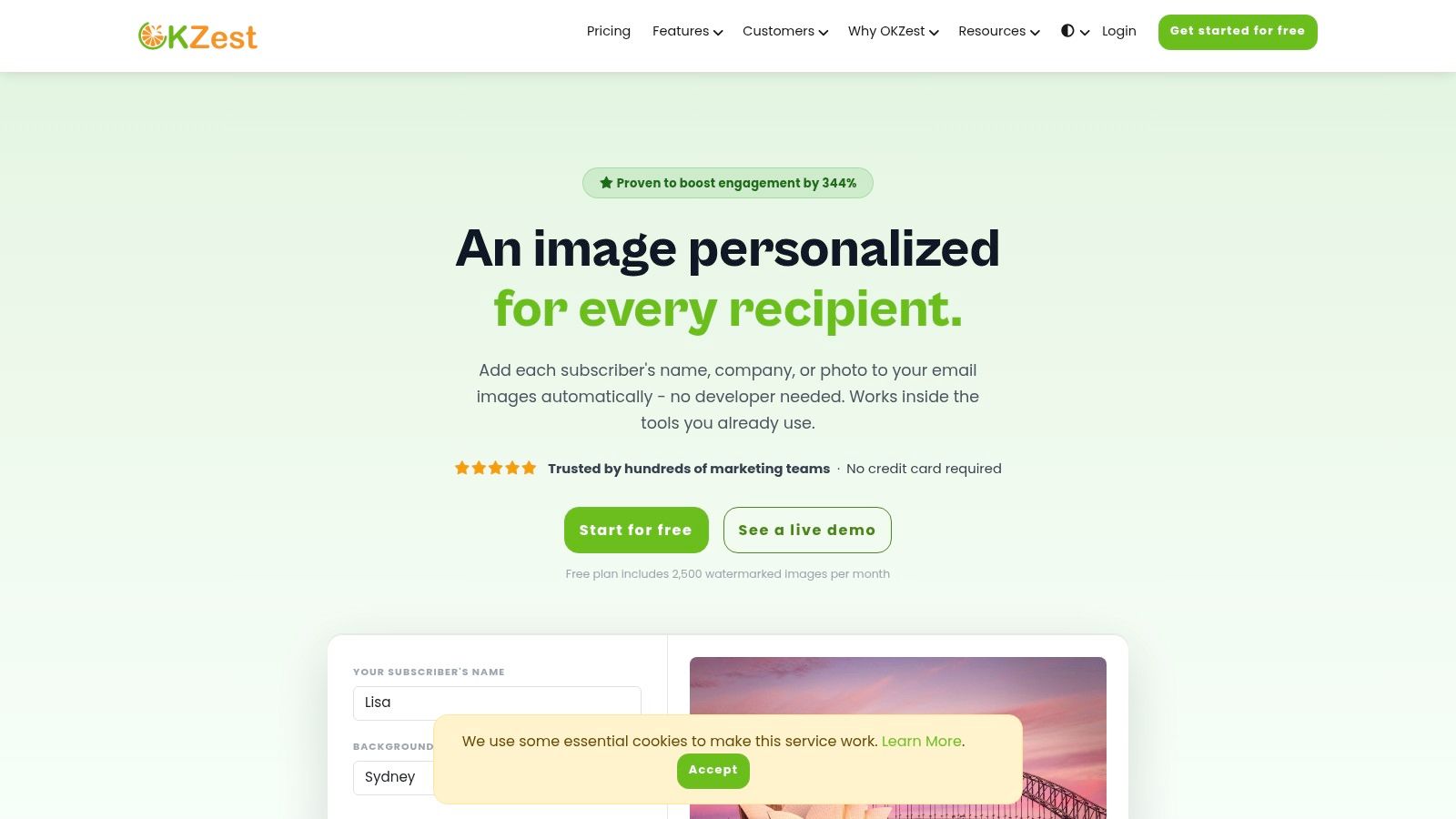
What sets OKZest apart from most of the platforms on this list is its usage-based billing model: rather than paying for every image rendered, you're only charged for images that are actually opened or requested by a recipient. If you send 10,000 personalized emails and only 3,000 recipients open them, only 3,000 images count against your plan. That makes it one of the best Zapier image generation integrations for anyone who wants predictable costs without overpaying for unopened sends.
OKZest is aimed squarely at non-developers - certificates for event organizers, personalized real estate listings, recruitment ads with dynamic job details, and social media images built from a title, description, and author photo are all set up without writing code, though a full API is available for teams that want more control.
Key Details & Use Cases
- Best For: Personalized certificates, real estate listings, recruitment ads, and social/email images where you only want to pay for engagement, not every image rendered.
- Pricing: A forever-free plan includes 2,500 watermarked images/month with no credit card required. Paid plans start around $12/month for 500 images, scaling up through Starter, Professional, and Enterprise tiers; only opened/generated images count against your allowance.
- Pros: Pay only for images actually generated on open, not gross sends; no-code Zapier setup alongside a full API; includes text, dynamic images, screenshots, and QR codes in one tool.
- Cons: Focused on template-based personalised image generation rather than AI artwork creation, making it less suitable for users looking for prompt-to-image generative AI.
2. Bannerbear
Bannerbear is a mature and reliable platform for template-based media generation, making it a top contender for marketers seeking consistent, high-volume automated graphics. It excels at creating social media posts, email banners, and Open Graph images directly from data in tools like Airtable, Google Sheets, or your CRM. The platform's strength lies in its polished template editor and a robust, well-documented Zapier integration.
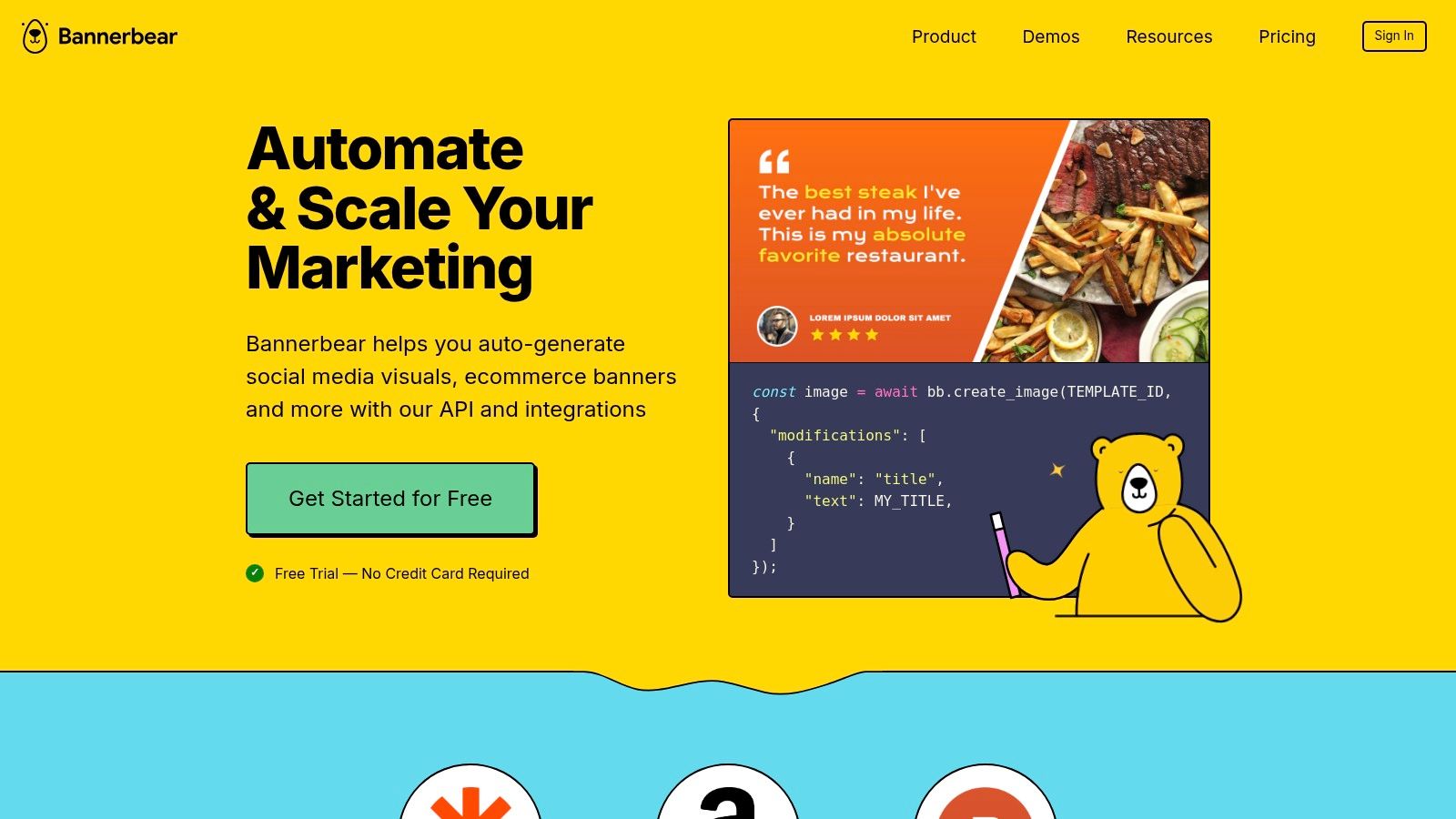
This focus on reusable templates ensures brand consistency across thousands of generated assets. While not an AI art generator, it's one of the best Zapier image generation integrations for predictable, data-driven visuals. Its reliability and auto-hosting of assets on a CDN remove significant technical burdens.
Key Details & Use Cases
- Best For: High-volume, template-driven campaigns; creating personalized social media content, dynamic email banners, and auto-generated OG images for blog posts.
- Pricing: Plans are credit-based, starting from $49/month for 1,000 images/videos. This model can become complex to forecast for extremely high-volume, unpredictable workflows.
- Pros: Longstanding, reliable Zapier app; scales effectively; excellent documentation and support.
- Cons: Credit costs can add up; advanced animations or GIF generations can have short processing delays.
For those getting started, exploring different approaches to Zapier image automation can provide a broader context on how tools like Bannerbear fit into a no-code marketing stack. You can find more details on this subject and how to connect data sources effectively.
3. Placid
Placid specializes in creative automation, allowing users to generate images, PDFs, and videos from structured data and templates. It's a strong contender for automating social media visuals, blog OG images, and personalized email graphics. The platform is particularly useful for teams where non-developers need a simple, visual way to map data fields into dynamic assets.
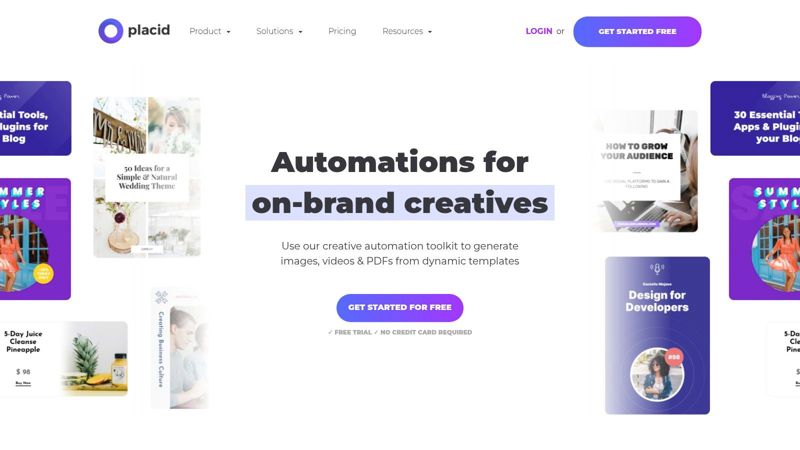
Its official Zapier integration provides a straightforward map-and-generate flow, making it one of the best Zapier image generation integrations for workflows connected to Google Sheets, forms, or a CMS. The combination of a user-friendly template editor and versatile output formats makes it a powerful choice for maintaining brand consistency at scale without deep technical knowledge.
Key Details & Use Cases
- Best For: On-brand batch personalization; generating social media content from a CMS, dynamic OG images for blog posts, and personalized email marketing graphics.
- Pricing: Plans are credit-based, starting at $29/month for 1,000 images, with PDFs and videos consuming more credits.
- Pros: Intuitive for non-developers; versatile output formats (image, PDF, video); plays nicely with Google Sheets and CMS-driven workflows.
- Cons: Bulk operations can be limited by your Zap plan's task limits; video and PDF features require a more careful and detailed setup process.
For those wanting a deeper understanding of the mechanics, learning more about the core principles of an image templating API can show how Placid automates creative production. This knowledge helps in setting up more advanced and efficient workflows.
4. APITemplate.io
APITemplate.io carves out a unique space by handling both image and PDF generation from templates, making it a versatile tool for automating more than just social media graphics. It's frequently used to create personalized social cards, event tickets, certificates, and even dynamic coupons directly from your data sources via Zapier. The platform offers straightforward actions to create and delete assets, along with webhook callbacks for more complex workflows.
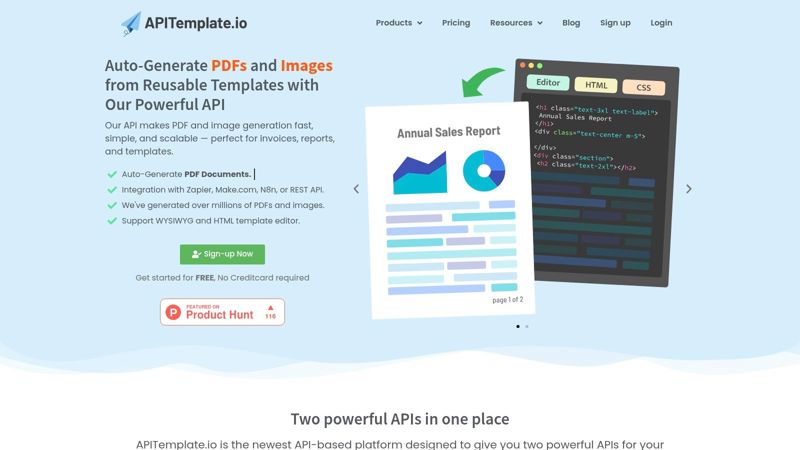
Its dual capability for images and documents makes it one of the best Zapier image generation integrations for businesses needing to automate transactional visuals like invoices or welcome packets alongside their marketing content. The inclusion of QR code generation and HTML-to-image support adds another layer of utility for event organizers and marketers.
Key Details & Use Cases
- Best For: Automating transactional documents and images; generating personalized certificates, dynamic QR codes, coupons, and social media visuals.
- Pricing: A free tier is available for 50 images/month. Paid plans start at $19/month for 1,000 images/PDFs, offering a cost-effective entry point.
- Pros: Generates both images and PDFs; clear template variable mapping makes setup quick; straightforward Zapier actions and good onboarding.
- Cons: Brand kit controls are less extensive than design-first tools; complex layouts may require using the HTML-to-image feature rather than the visual editor.
For those requiring document generation, APITemplate.io provides a powerful, API-first approach that fits neatly into many automated business processes.
5. HTML to Image (HTML/CSS to Image)
HTML to Image is a developer-friendly API with a straightforward Zapier app, perfect for creating pixel-perfect, data-rich visuals. It is ideal for anyone who needs complete control over the layout and is comfortable working with code. The platform renders high-fidelity images directly from HTML and CSS snippets, making it excellent for generating charts, receipts, or dynamic social media content that other template-based editors might struggle with.
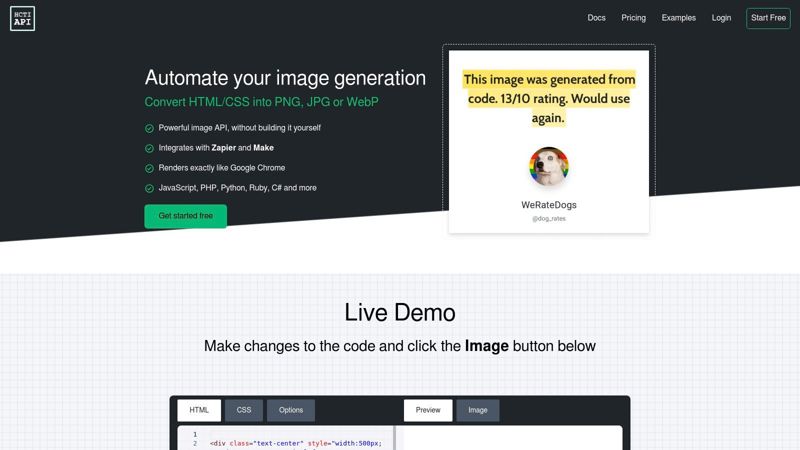
This approach gives you maximum design freedom, bypassing the constraints of typical WYSIWYG editors. If you can build it with HTML, you can turn it into an image. This makes it one of the best Zapier image generation integrations for technical marketers or teams wanting to automate highly customized graphics like dynamic tables or personalized event tickets from a Google Sheet.
Key Details & Use Cases
- Best For: Generating custom charts, personalized receipts, dynamic email components, and any visual where precise layout control is non-negotiable.
- Pricing: Offers a free tier for 50 images/month. Paid plans start at $16/month for 1,000 images, providing a very affordable entry point for automated workflows.
- Pros: Absolute control over design with HTML/CSS; a great solution when template editors are too restrictive; works well with Zapier's code steps or HTML stored in databases.
- Cons: Requires at least basic HTML/CSS knowledge to use effectively; all design work happens in a code editor, not a visual interface, which can slow down iteration.
For those with the necessary skills, combining data from your triggers with a pre-made HTML template in a Zap can produce incredibly unique and on-brand assets automatically.
6. Replicate
Replicate serves as a powerful API gateway to a vast library of open-source AI models, making it ideal for teams wanting to experiment with the latest generative technology. Its Zapier integration allows you to run cutting-edge image models like Stable Diffusion or ControlNet directly within your automated workflows, moving beyond simple template-based creation into true AI art generation. It's built for developers and technically-minded marketers who need flexibility and access to diverse models.
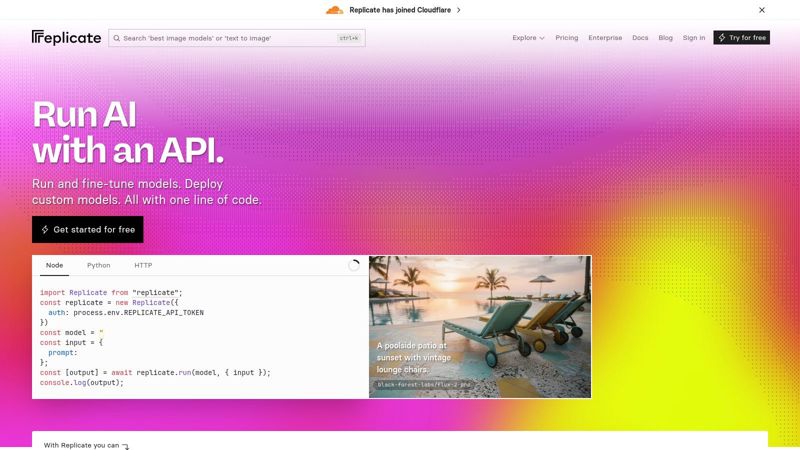
This platform's strength is its unparalleled model choice, making it one of the best Zapier image generation integrations for rapid prototyping and production-level AI tasks. The pay-as-you-go pricing, based on per-second model usage, offers a cost-effective way to scale from initial tests to high-volume applications without committing to a fixed subscription. Its use of webhooks to handle asynchronous jobs is a key feature for managing longer-running AI processes.
Key Details & Use Cases
- Best For: Generating unique AI art for blog posts, creating abstract social media visuals, or building custom image generation tools for internal teams.
- Pricing: Pay-as-you-go based on the specific model's compute time. Costs vary significantly, from fractions of a cent to several cents per image.
- Pros: Access to a huge and constantly updated library of AI models; scales from prototype to production; consumption-based pricing is flexible.
- Cons: Can be technically complex to set up; output quality and speed depend heavily on the chosen model and its specific parameters.
7. ChatGPT (OpenAI) via Zapier
While many know ChatGPT for its text capabilities, its native Zapier integration includes a powerful image generation action. This makes it an incredibly accessible option for marketers who need simple, prompt-driven creative for social media, blogs, or internal ideation. It allows for rapid iteration without the need for complex template setup, turning a simple text prompt into a visual asset.
The real advantage is its ability to be chained with other ChatGPT steps in a single Zap. For example, you can generate blog post ideas, write a short summary, and then create a relevant header image all in one automated workflow. This makes it one of the best Zapier image generation integrations for end-to-end content creation, where the image is just one piece of the puzzle. The returned image URL is easily routed to any other app in the Zapier ecosystem.
Key Details & Use Cases
- Best For: Rapidly creating unique blog headers, social media visuals from text prompts, and conceptual art for marketing campaigns.
- Pricing: Requires an OpenAI API account; usage is billed based on OpenAI's pricing for DALL-E models, which is separate from a ChatGPT Plus subscription.
- Pros: Extremely easy setup for anyone familiar with writing prompts; integrates seamlessly across the entire Zapier ecosystem; great for creative iteration.
- Cons: Lacks the brand control and layout precision of template-based tools; image quality and relevance depend heavily on prompt quality; costs can be unpredictable.
8. NiftyImages
NiftyImages is a specialized tool purpose-built for email marketing personalization, offering a mature and reliable Zapier integration. It shines in creating dynamic, data-driven visuals directly within emails, such as personalized images with subscriber names or location-specific offers. Its core function is to generate images that can update dynamically, even after an email has been sent.
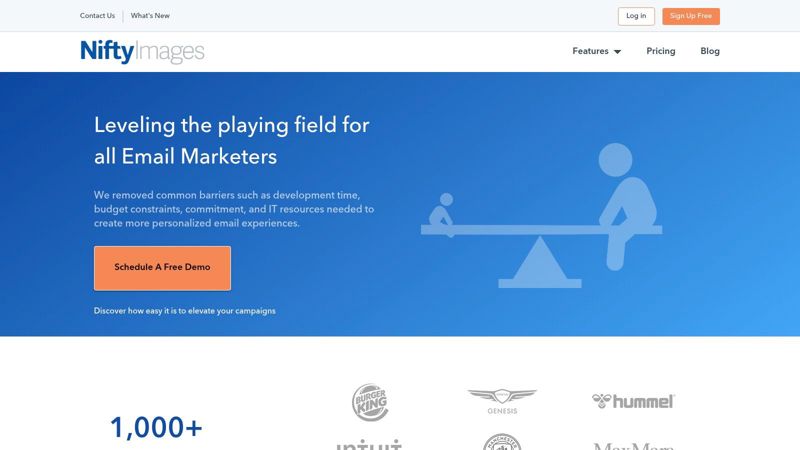
The platform is designed with email service providers (ESPs) in mind, ensuring high deliverability and compatibility. While it's not a general-purpose image creator, NiftyImages is one of the best Zapier image generation integrations for anyone focused on deep email personalization. Its features include countdown timers, rule-based image sets, and the ability to update images at the moment a subscriber opens their email.
Key Details & Use Cases
- Best For: Email marketers needing to embed personalized images, real-time countdown timers, or location-based visuals in campaigns sent via platforms like Klaviyo or Iterable.
- Pricing: Plans are based on the number of image opens, starting from $20/month for up to 50,000 opens. This model can become expensive for very high-volume senders.
- Pros: Deep focus on email marketing use cases; proven Zap templates; supports dynamic updates at open-time for real-time content.
- Cons: Pricing based on email image opens can be hard to predict and costly at scale; not suitable for social media graphics or video formats.
For teams heavily invested in email, connecting NiftyImages to a CRM via Zapier can automatically create personalized onboarding or promotional images for new contacts.
9. Cloudinary
Cloudinary is an enterprise-grade media platform that provides powerful on-the-fly image transformations rather than pure AI generation. It excels at programmatically manipulating existing assets, such as adding dynamic text overlays, resizing images, and applying filters through simple URL parameters. Its mature Zapier integration allows marketers to automate these transformations, making it a cornerstone for data-driven, brand-safe asset creation.
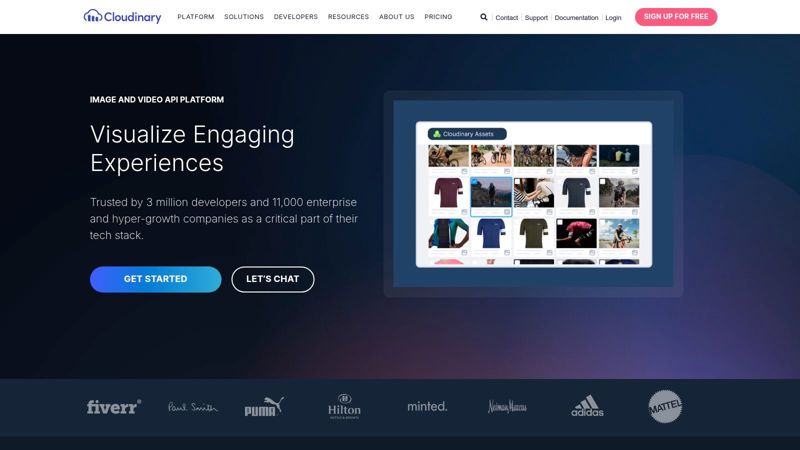
The platform is built on rock-solid infrastructure, combining Digital Asset Management (DAM) with a fast CDN. For teams needing to add personalized text from a spreadsheet to a base template or convert image formats automatically, Cloudinary is one of the best Zapier image generation integrations for its reliability and performance. It gives you precise control over your existing brand visuals.
Key Details & Use Cases
- Best For: Dynamically adding text overlays to images, automatic image optimization and format conversion, and creating personalized assets for e-commerce or user profiles.
- Pricing: Offers a generous free tier with credits. Paid plans start at $99/month, scaling based on credits for storage, transformations, and bandwidth.
- Pros: Outstanding performance and reliability; excellent for text overlays and programmatic transformations; includes enterprise-grade support and governance features.
- Cons: Not a generative AI tool; its primary function is modifying existing assets. Advanced transformation URLs can have a learning curve.
Zapier workflows can be set up to upload new assets from a form, apply a preset transformation, and then post the final image to social media, all without manual intervention.
10. ScreenshotOne
ScreenshotOne offers a specialized but powerful function for automated workflows: capturing high-fidelity website screenshots. It's an essential tool for creating dynamic Open Graph images, monitoring website changes, or generating visual previews of links shared in social media campaigns. The platform renders a web page, HTML, or even Markdown and converts it into a clean image or PDF file via a simple Zapier action.
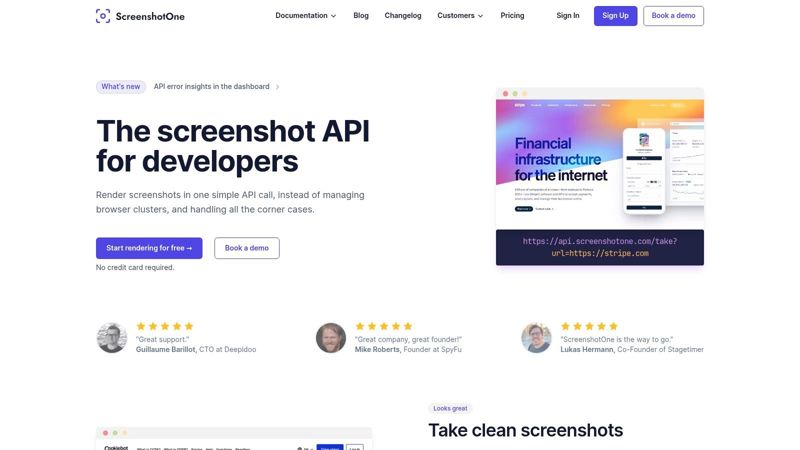
Its strength is in its accuracy and configuration options, allowing you to block ads, set specific viewport dimensions, and capture the full page. While not a creative generator, ScreenshotOne is one of the best Zapier image generation integrations for producing programmatic graphics based on existing web content, making it perfect for tasks like UGC moderation or creating marketing report visuals.
Key Details & Use Cases
- Best For: Automatically generating OG images, creating visual link previews for social media, documenting website states, and converting HTML receipts or reports to images.
- Pricing: A free plan is available for 100 screenshots/month. Paid plans start at $15/month for 1,000 screenshots, offering a straightforward, usage-based model.
- Pros: Extremely configurable rendering for precise captures; stable and reliable output; excellent documentation with practical examples.
- Cons: Not an AI art or creative design tool; output quality is dependent on the source page's design and rendering.
For those looking to automate content previews, ScreenshotOne provides a direct and dependable solution. It fills a critical niche in automated marketing and monitoring workflows that require real-world web content to be captured as an image.
11. All-Images.ai
All-Images.ai is a lightweight and accessible AI image generator built for simple, repeatable creative workflows within Zapier. It focuses on prompt-to-image creation, allowing users to connect triggers from forms, spreadsheets, or other apps to generate visuals on the fly. Its main appeal is its simplicity, making it ideal for those who need to quickly produce concept art or content variations without a complex setup.
By chaining a ChatGPT step before it, you can turn a simple idea from a database row into a fully formed prompt, then pass it to All-Images.ai for execution. This makes it one of the best Zapier image generation integrations for straightforward, automated content pipelines where speed and ease of use are more important than deep brand control. It's a solid entry point for prompt-based automation.
Key Details & Use Cases
- Best For: Generating blog post hero images from titles, creating social media visuals from a content calendar, or producing conceptual art from form submissions.
- Pricing: Operates on a credit-based model, with free credits to start and paid plans beginning around $10 for 100 images.
- Pros: Very quick to set up within Zapier; focused on doing one thing well; good for simple, repeatable creative tasks and batch jobs.
- Cons: Limited brand and style controls compared to larger platforms; smaller ecosystem and support network.
For marketers looking to automate idea-to-image workflows, combining All-Images.ai with a prompt-writing AI step creates a powerful, low-cost system. You can explore how to set up these chained Zaps to manage your creative output efficiently.
12. Canva
Canva is a household name in design, and its Zapier integration brings its user-friendly interface into the world of automation. It's ideal for workflows requiring a human touch, where automation pre-populates a design that a team member then finalizes. Its strength is bridging the gap between fully automated, headless generation and manual, collaborative design work within a familiar environment.
While its AI features like Magic Media are present, the Zapier app focuses more on managing design creation from templates. This makes it one of the best Zapier image generation integrations for teams that need to maintain strict brand consistency and require an approval step. Its OAuth-backed connection ensures secure access to your team's assets and templates.
Key Details & Use Cases
- Best For: Hybrid workflows combining automation and human review; creating social media drafts from a spreadsheet, or populating sales proposals for a final check.
- Pricing: A free plan exists, but the Zapier integration requires a Canva for Teams plan, starting at $14.99/month per person.
- Pros: Extremely familiar interface for marketing teams; facilitates collaboration and approvals outside the Zapier workflow; great for maintaining brand consistency with team templates.
- Cons: Less suited for fully headless, high-volume generation; complex personalization might require other tools in the Zap.
For those looking to merge automation with their existing design processes, there are specific methods to connect data sources effectively. You can learn more about how to automate Canva for marketing campaigns to get started.
13. Bannertize
Bannertize is a dynamic image and PDF generation API with a straightforward Zapier app that makes it a solid choice for creating ecommerce cards, event visuals, and social graphics. Its API-first approach and clear actions for generating single images or entire sets make it appealing for workflows driven by data from Google Sheets, CRMs, or other app triggers. The platform supports template-based generation, allowing for consistent branding.
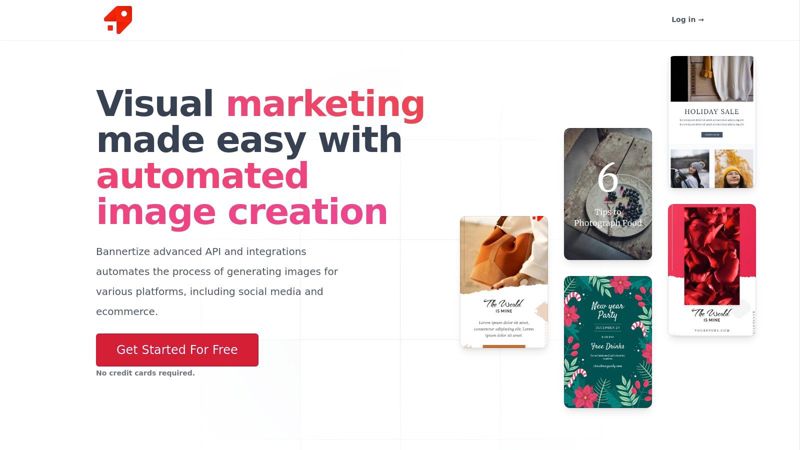
While newer than some alternatives, Bannertize is one of the best Zapier image generation integrations for users who need reliable batch processing and multiple format outputs. Its support for asynchronous workflows via webhooks is a practical feature for handling larger rendering jobs without slowing down your Zaps.
Key Details & Use Cases
- Best For: Automated ecommerce product cards, personalized event tickets (as PDFs), and batch creation of social media graphics from a database.
- Pricing: Offers a free tier for 100 images/month. Paid plans start at $29/month for 2,500 images, providing a generous entry point for small-scale automation.
- Pros: Clear Zap actions for single or bulk jobs; supports PNG, JPG, WebP, and PDF outputs; good developer documentation and retina image support.
- Cons: As a newer entrant, it has fewer community-created guides and pre-built recipes compared to more established competitors like Bannerbear or Placid.
For those evaluating options, it's helpful to see how different platforms handle similar tasks. Understanding the nuances between template-based tools can clarify which one fits your specific automation needs best.
Top 13 Zapier Image Generation Integrations Comparison
| Product | ✨ Key features / USP | 👥 Best for | ★ UX / Reliability | 💰 Pricing & scale |
|---|---|---|---|---|
| OKZest | Only pay for images actually opened; text, images, screenshots & QR codes in one tool ✨ | Certificates, real estate, recruitment, email/social 👥 | ★★★★☆ No-code setup plus full API 🏆 | 💰 Free 2,500 watermarked/mo; paid from $12/mo (usage-based) |
| Bannerbear | Template-driven image/video/GIF/PDF + auto-hosting/CDN ✨ | Email & social marketers, agencies 👥 | ★★★★☆ Reliable rendering & scalable 🏆 | 💰 Credit-based - mid→enterprise (forecasting needed) |
| Placid | Brand-safe template editor + Zapier map-and-generate ✨ | Non-devs, social/OG & batch personalization 👥 | ★★★★☆ Easy for non-technical teams | 💰 SMB→mid (Zap/task limits affect bulk) |
| APITemplate.io | Image & PDF templates, HTML→PDF, QR, CDN/webhooks ✨ | Transactional visuals, certificates, docs 👥 | ★★★★ Straightforward onboarding | 💰 Pay-as-you-grow - document-friendly |
| HTML to Image | Pixel-perfect HTML/CSS → PNG/JPG for exact layouts ✨ | Developers needing precise layouts (charts/receipts) 👥 | ★★★★☆ Precise, consistent rendering | 💰 Dev-focused pricing; efficient at scale |
| Replicate | Access many hosted image models + webhooks ✨ | ML teams & experimenters testing models 👥 | ★★★☆☆ Varies by model & params | 💰 Pay-per-model (variable cost) |
| ChatGPT (OpenAI) via Zapier | Prompt-driven image gen integrated into Zaps ✨ | Marketers wanting rapid creative iterations 👥 | ★★★☆☆ Fast & familiar workflow | 💰 Usage-based (OpenAI plan limits apply) |
| NiftyImages | Email-first personalized images, countdowns, at-open updates ✨ | ESP-heavy email marketers (Klaviyo, Iterable) 👥 | ★★★★☆ Email-focused reliability | 💰 Priced by image opens - can be costly at scale |
| Cloudinary | URL-based transforms, overlays, DAM & CDN ✨ | Enterprises & dev teams needing DAM/performance 👥 | ★★★★★ Rock-solid infra & governance 🏆 | 💰 Tiered enterprise pricing; highly scalable |
| ScreenshotOne | Website/HTML/Markdown → screenshots & PDFs ✨ | Content teams, previews, UGC moderation 👥 | ★★★★ Accurate, configurable captures | 💰 Affordable for snapshot use; not generative |
| All-Images.ai | Lightweight AI image generation via prompts ✨ | Simple prompt-to-image workflows & batch Zaps 👥 | ★★★ Focused & quick to wire up | 💰 Lower-cost / smaller ecosystem |
| Canva | Collaborative design + brand kits + Zapier automation ✨ | Teams needing human-in-loop design & approvals 👥 | ★★★★ Familiar UI; collaboration first | 💰 Freemium → team plans; not fully headless |
| Bannertize | Dynamic image & PDF API, batch sets, retina options ✨ | Ecommerce, events, social dev workflows 👥 | ★★★★ Good batch/dev docs | 💰 Competitive API pricing; newer entrant |
Choosing the Right Tool and Building Your First Automated Workflow
You've now seen the breadth of possibilities when you connect Zapier with powerful image generation tools. We've moved beyond simple text-based automation into a world where every email, social media post, or client certificate can be visually dynamic and deeply personal. The core takeaway is clear: automating image creation is no longer a complex or expensive process reserved for developers. With the right integration, marketers and business owners can build powerful visual workflows in minutes.
The journey from a blank canvas to a fully automated image pipeline begins with understanding your specific needs. There is no single "best" tool for everyone; the ideal choice depends entirely on your goals, technical comfort, and budget.
Making Your Selection: A Quick Decision Guide
To help you choose from the list of the best Zapier image generation integrations we've covered, consider these questions:
- For Pay-Per-Engagement Personalization: If you want personalized certificates, listings, or email images but don't want to pay for sends that never get opened, OKZest is built around exactly that model, only counting images that are actually generated on open.
- For Template-Based Personalization: If your goal is to add dynamic text or images to a pre-designed template for things like social media posts, event tickets, or personalized welcome images, your best options are Bannerbear, Placid, or APITemplate.io. Bannerbear often stands out for its robust feature set and excellent API, while Placid offers a very user-friendly interface.
- For AI-Generated Concepts: When you need completely unique, AI-created visuals for blog posts, ad concepts, or creative brainstorming, look to ChatGPT (DALL-E 3) or Replicate. These tools excel at generating novel images from text prompts but offer less control over brand consistency compared to template-based solutions.
- For Dynamic Web Content: Do you need to capture live websites or generate images from HTML? ScreenshotOne is a dedicated screenshot API perfect for this, and OKZest also includes screenshot generation alongside its personalization features. For even more control, the HTML/CSS to Image utility by Zapier gives you the power to build visuals from scratch using code. For a deeper dive into this specific category, comparing the top website screenshot APIs can provide additional clarity on features and performance benchmarks.
- For Specialized Email Needs: Tools like NiftyImages are built specifically for email marketers, offering features like personalized countdown timers and images that are optimized for inboxes.
Your First Automated Workflow
Feeling inspired but not sure where to start? Here's a simple, actionable first step:
- Pick Your Trigger: Start with a common event. A new row in a Google Sheet, a new form submission from Typeform, or a new "paid" customer in Stripe are all excellent triggers.
- Choose Your Image Tool: Based on the guide above, select an image generator. Let's say you choose OKZest to create a personalized certificate.
- Map Your Data: In Zapier, connect the data from your trigger to the image template. Map the "Name" from your Google Sheet to the "Name" text layer in your OKZest template.
- Define the Action: What happens after the image is created? You could use a "Gmail" action to send a welcome email with the personalized image, or a "Slack" action to post it in a team channel to celebrate a new customer.
Start small. Your first Zap doesn't need to be a complex, multi-step behemoth. Creating a simple workflow that automatically generates one personalized image will give you the confidence and understanding to build more advanced automations. The true power of these integrations is unlocked through experimentation, connecting different apps and services to create a system that saves you time and delights your audience.
Ready to move beyond static, one-size-fits-all marketing? OKZest helps you take the personalized images you've just learned to create and embed them directly into your email campaigns. By connecting your email service provider with OKZest, you can ensure every subscriber receives a visually unique message, driving higher engagement and conversions. Start personalizing your emails with OKZest today.