We've been heads-down building.
Here's what's new in OKZest - and one thing worth trying in your next campaign.
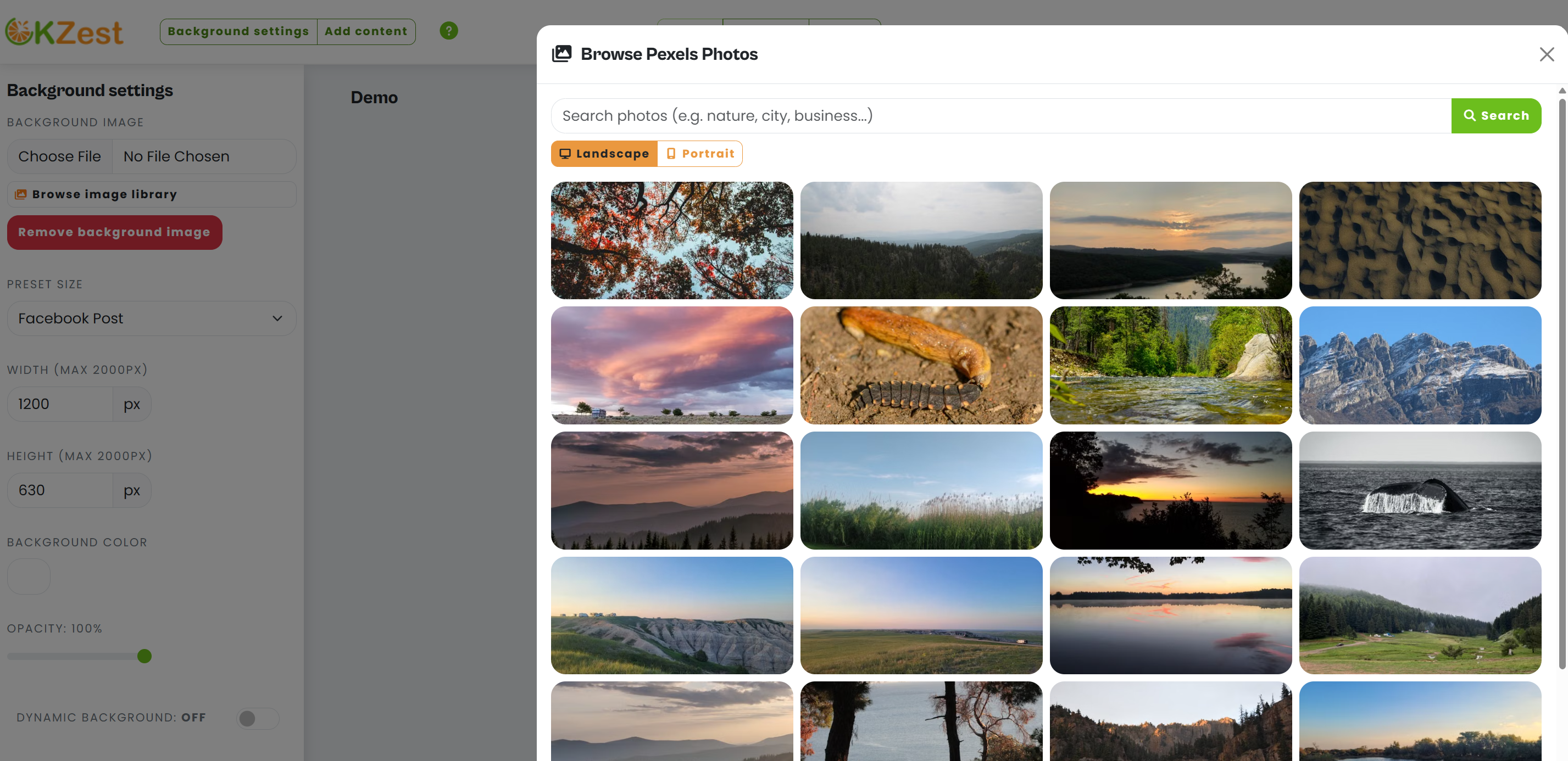
Browse library for external images
You can now pull in royalty-free images from Pexels from directly inside the OKZest editor.
No more downloading and re-uploading assets - browse, select, and drop them into your template in one step.
More controls on the design page
The design editor has new options for advanced font features such as drop-shadow and background borders for text layers.
More control over how your dynamic images look, without needing to touch code.
Set the design dimensions more easily too:
Dashboard redesign
The main dashboard has been reorganized. Your templates, recent activity, and key actions are easier to find - less clicking around, more doing.
Speed improvements
The dashboard and design pages have had a speed boost, making them faster to use.
Image generation is faster, for an improved customer experience.
One thing to try: use a stock image in your next template
The browse library update makes this easier than it used to be - so it's a good moment to try it if you haven't.
Most OKZest templates use text, shapes, and colors. That works. But dropping a good image into the template (behind a personalized name or data layer) lifts the visual quality immediately.
Here's a simple version that works well in welcome emails:
Background: a clean product shot or branded lifestyle image
Overlay: the subscriber's first name in your brand font
Subtext: a short welcome line or offer
One template. Every subscriber sees their name on it. Takes about 15 minutes to set up.