Static, one-size-fits-all images are dead. In a marketing world driven by personalization, sending the same generic visual to every subscriber, follower, or website visitor is a missed opportunity. Your audience expects experiences that feel unique to them, and your visuals should be no different. This is where URL-based image tools come in, offering a powerful way to create dynamic, personalized images at scale without needing a designer or developer for every campaign.
The concept is simple yet effective: a single base image URL is modified with parameters to insert customer-specific data. This could be a person’s name on a welcome card, their company logo on a B2B asset, or even a dynamic countdown timer for a sale. The image is generated in real-time, delivering a one-to-one visual experience directly within an email, social media message, or on a website. Before exploring these advanced tools, it's helpful to have a solid foundation in the basics of email design. Understanding how to embed images in email properly ensures your personalized visuals render correctly and drive engagement.
Finding the right platform is critical, as each offers a different balance of ease-of-use, powerful features, and integration options. This guide cuts through the noise to provide a comprehensive breakdown of the best URL based image tools for marketers. We will examine 12 top contenders, including OKZest, Hyperise, and Bannerbear, evaluating them on the features that matter most: merge-tag support, API access, fallback options, and direct integrations with your existing marketing stack. For each tool, you'll find a detailed analysis, ideal use cases, pros and cons, and pricing information to help you select the perfect solution for your personalization goals.
1. OKZest
Best for: All-in-one image personalization with no-code and API options.
OKZest establishes itself as a powerful and versatile contender among the best URL based image tools for marketers. It provides a complete solution for creating and deploying personalized images at scale across email, web, and social channels. The platform is built around a dual-workflow approach that accommodates both non-technical marketers and developers. Marketers can use the intuitive drag-and-drop editor to build dynamic image templates, while developers can integrate via a robust REST API for programmatic generation and bulk processing.
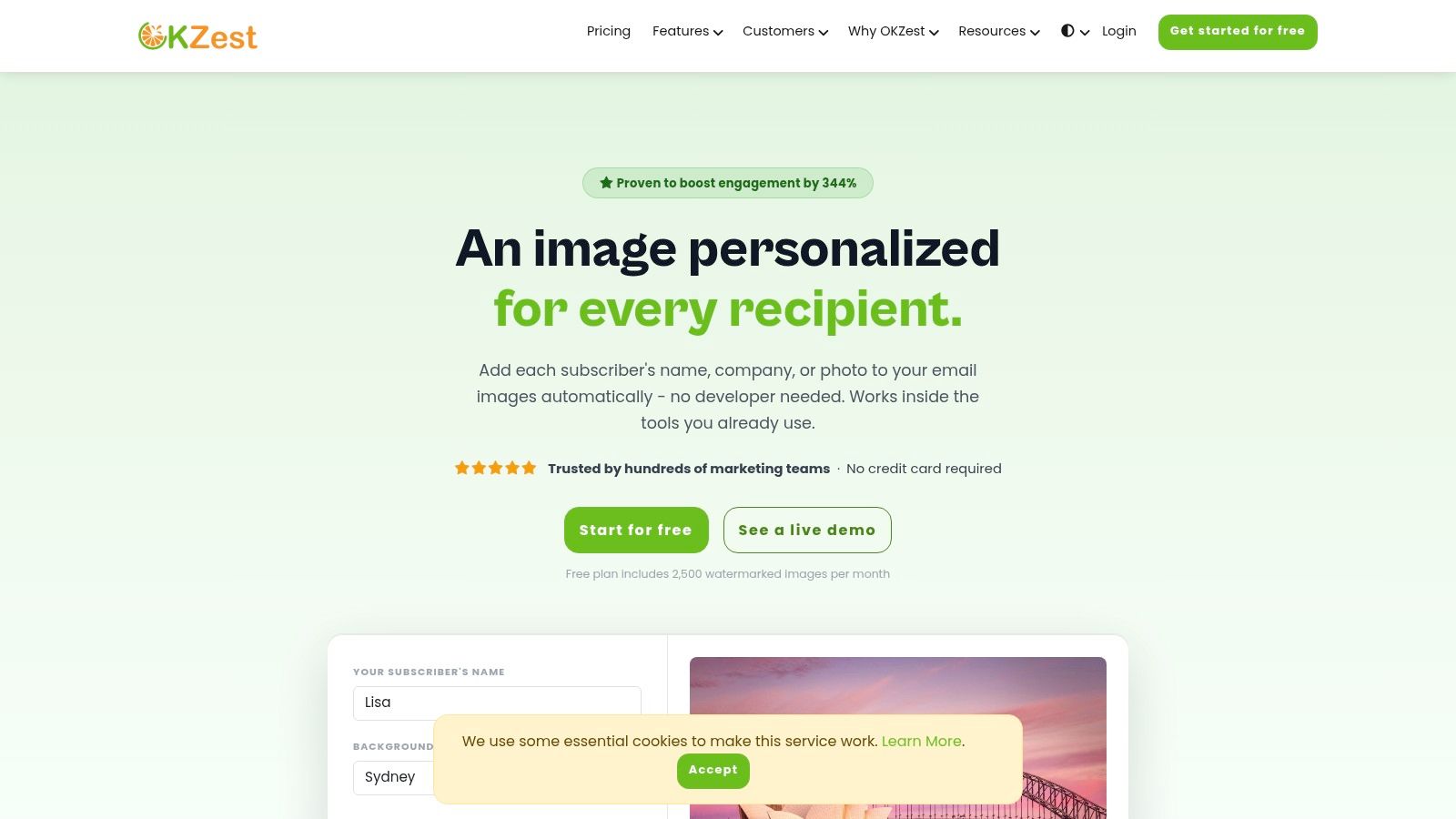
One of its most significant advantages is its near-universal compatibility. By generating a simple image URL, OKZest works with approximately 99% of email service providers (ESPs), including major platforms like Klaviyo, Mailchimp, and SendGrid, requiring no complex integration. This means marketers can insert personalized visuals into campaigns with minimal change to their existing workflows. For a deeper dive into the mechanics, their team explains the core concepts of a URL-based image generator and how it applies to modern marketing.
"Being able to update images even after you’ve sent them is genuinely useful-game-changer.” — Carlos Rivera, Head of Marketing
A standout capability is the real-time, updatable nature of the images. Because the images are generated on-the-fly when a user opens them, they can pull live data from APIs or databases. This ensures the content is always fresh, which is perfect for time-sensitive offers, event countdowns, or dynamic social proof.
Key Features & Use Cases
- Dual-Path Creation: A marketer-friendly visual editor for template design and a full REST API for developers.
- Real-Time Data: Images can pull and display live data (e.g., product stock, weather, sports scores) upon being opened.
- Team Collaboration: Higher-tier plans include workspaces, user roles, and shared asset libraries, making it ideal for agencies and in-house teams.
- Built-in Analytics: Track image opens and clicks to measure the direct impact of visual personalization on campaign engagement.
| Ideal Use Case | How it Works |
|---|---|
| Personalized Welcome Emails | Insert a new subscriber's name and profile picture directly onto a welcome graphic to create an immediate personal connection. |
| Dynamic Event Tickets | Generate unique digital tickets or certificates with the attendee's name, a QR code, and event details, sent via email or social DM. |
| Abandoned Cart Reminders | Display the actual product image and customer's name on a banner inside the reminder email to increase urgency and click-through rates. |
| Sales Outreach | Create hyper-personalized images for LinkedIn messages or cold emails that reference a prospect's company name or job title. |
Pricing & Onboarding
OKZest offers a scalable pricing model suitable for individuals and large enterprises. A generous free tier provides 2,500 watermarked images per month without requiring a credit card, making it easy to test the platform's core functions. Paid plans remove watermarks, increase image volume significantly, and unlock advanced features like team management and API access. Customers praise the responsive support, which includes real-time text chat and scheduled video calls for onboarding.
Pros:
- Flexible no-code editor and developer API.
- Works with nearly all email platforms.
- Images can update with live data after being sent.
- Scalable pricing with a functional free tier.
Cons:
- The free plan's watermarks make it unsuitable for live campaigns.
- Complex logic may require developer input and a higher-tier plan.
Website: okzest.com
2. NiftyImages
NiftyImages is a purpose-built image personalization engine designed almost exclusively for email marketers. It simplifies adding dynamic, recipient-specific content directly into images, which are then rendered in real-time when a subscriber opens their email. This tool stands out for its straightforward, no-code approach, making it one of the best URL-based image tools for marketers who need to deploy personalized campaigns quickly without developer support.
The platform’s core strength is its ability to accept any merge tag from your Email Service Provider (ESP). You simply design an image template in the NiftyImages editor, place dynamic text layers, and then construct a URL that includes your ESP’s merge tags for variables like {{first_name}}, {{loyalty_points}}, or {{coupon_code}}. When the email is sent, each subscriber gets a unique image URL that generates their personalized graphic on the fly.
Use Cases and Implementation
- Email Personalization: Create welcome emails with the user's name on a banner, or abandoned cart reminders showing the exact product image and a personalized discount code.
- Loyalty Programs: Display a member's current point balance or tier status visually within a promotional email.
- Countdown Timers: Add real-time, personalized countdown timers to drive urgency for sales or event registrations.
Pricing and Integrations
NiftyImages offers a tiered pricing model based on the number of personalized image "opens" per month, starting from a free plan with limited opens up to enterprise-level packages. It is built to be universally compatible with any ESP that supports merge tags, including Mailchimp, Klaviyo, HubSpot, and Salesforce Marketing Cloud.
- Pros: Extremely easy for non-technical email marketers to set up and deploy. Strong focus on email client compatibility and deliverability.
- Cons: Limited to email-centric use cases; not a general-purpose image CDN. The template-based editor offers less granular design control than a full graphic design suite.
Website: https://niftyimages.com
3. Hyperise
Hyperise is a marketer-friendly platform focused on adding hyper-personalized dynamic layers to images for outbound sales, LinkedIn, and email campaigns. It serves these customized assets through unique URLs, making it one of the best URL-based image tools for marketers who want a simple solution for multi-channel outreach without needing deep technical knowledge. The platform’s strength lies in its intuitive editor and its extensive integration library, which simplifies connecting data sources to image templates.
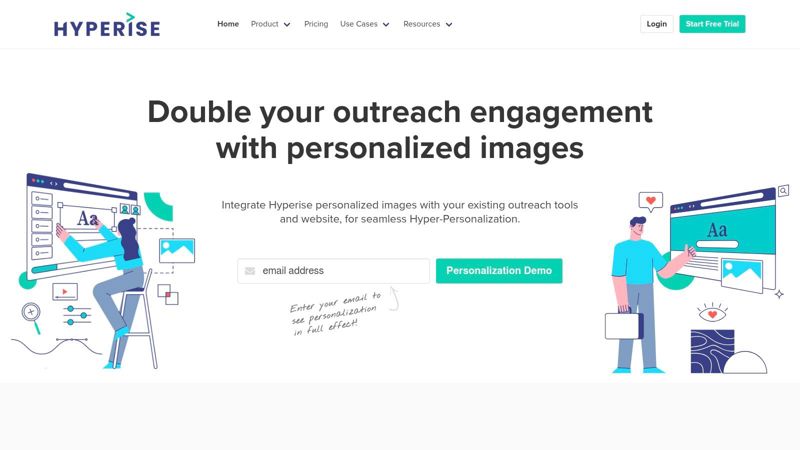
With Hyperise, you create a base image and then add dynamic layers for text, logos, website screenshots, maps, or profile photos. The system generates a URL that pulls in prospect data from connected tools to populate these layers in real time. It supports over 16 personalization data points and even offers a website personalization add-on, allowing you to carry the personalized experience from an email or social message directly to your landing page. Understanding how to construct these dynamic links is key, and you can get a deeper look at the fundamentals of image URL personalization for email to master the technique.
Use Cases and Implementation
- LinkedIn Outreach: Send personalized connection requests or InMail messages with images that include the prospect’s profile picture and company logo.
- Outbound Sales Emails: Embed images that dynamically pull in a prospect's name, title, and a screenshot of their company's website to grab attention.
- Website Personalization: Greet returning website visitors with a banner that features their name and company, creating a seamless, personalized journey.
Pricing and Integrations
Hyperise offers pricing based on both user seats and image impression credits, which requires some monitoring for high-volume campaigns. Plans are available for individuals and teams, with different allowances for impressions and features. It integrates with a wide array of sales and marketing tools, including Lemlist, HubSpot, Mailchimp, and many CRMs.
- Pros: Very easy-to-use editor built for non-technical marketers. Combines image and basic website personalization within one interface.
- Cons: The seat-based pricing and impression limits can become costly at scale. It is better suited for campaign-based outreach than for developer-heavy API workflows.
Website: https://hyperise.com
4. Bannerbear
Bannerbear is a creative automation platform that enables marketers to generate thousands of image and video variations from a single template. While it offers a powerful API, its strength as one of the best URL-based image tools for marketers comes from its "Simple URLs" and "Signed URLs." These features allow you to construct an image URL with parameters that dynamically change text, images, colors, and other elements, all delivered via a global CDN.
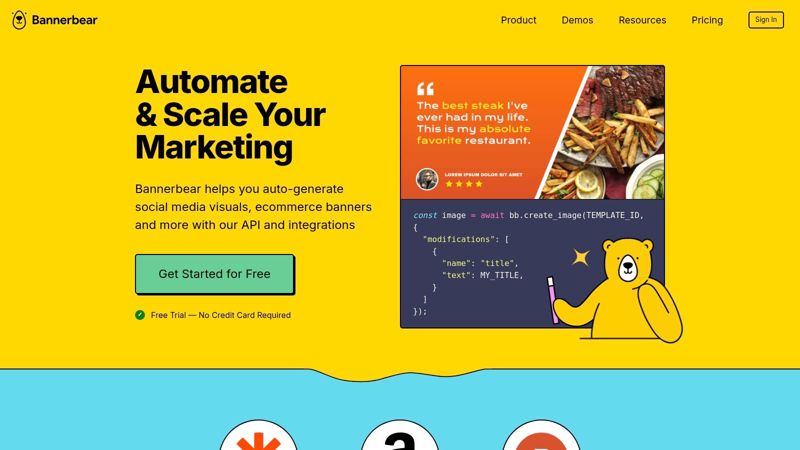
This tool is designed for scale. You create a base template in its user-friendly editor, define your dynamic layers, and then use URL modifications to generate a unique visual for every need, from social media posts to personalized direct mail. For instance, image_url.jpg?text_1=Hello+World&image_2=new-logo.png would render a custom graphic on the fly. This makes it ideal for automating visual content without writing complex server-side code.
Use Cases and Implementation
- Automated Social Media Content: Generate consistent, on-brand graphics for social media by pulling data from a spreadsheet or Airtable base. This is a core concept for creating dynamic visuals for social media campaigns.
- Dynamic OG/Social Share Cards: Automatically create unique
og:imagetags for every blog post, product, or user profile, improving social media appearance and click-through rates. - Personalized Certificates: Generate and deliver personalized course completion certificates or event tickets by passing recipient names and dates into the URL.
Pricing and Integrations
Bannerbear's pricing is based on a combination of API credits (for image/video generation) and bandwidth. Plans start at a level suitable for small projects and scale to enterprise needs with higher generation volumes. It connects seamlessly with no-code tools like Zapier, Make, and Airtable, and provides a full REST API for deeper, custom integrations.
- Pros: Very clear and robust URL-based generation workflow. The template editor is powerful and provides significant creative control for automation.
- Cons: The credit-plus-bandwidth model requires careful planning to manage costs. Some advanced conditional logic is easier to manage via the API than with URL parameters alone.
Website: https://www.bannerbear.com
5. Placid
Placid is a marketer-friendly creative automation platform offering a powerful URL API for on-the-fly image generation. It bridges the gap between simple template editors and complex developer-focused APIs, making it a strong contender among the best URL-based image tools for marketers who need to produce a wide range of branded visuals automatically. The platform excels at generating dynamic Open Graph (OG) images, social media assets, and personalized campaign visuals directly from a URL.
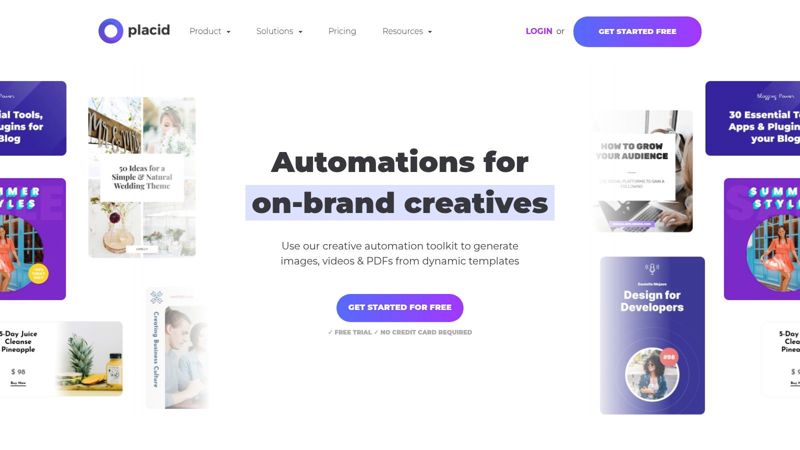
Its core functionality revolves around a robust template system where you design your master creative. You then construct an image URL, passing in data for dynamic layers like text and images. Placid also provides a REST API for batch jobs and more complex workflows, but the direct URL path is remarkably easy to preview and integrate. Unlimited watermarked previews allow for thorough testing before committing to a plan.
Use Cases and Implementation
- Automated Social Media Content: Automatically generate branded images for blog posts, products, or events to be shared on social channels.
- Dynamic OG Images: Ensure every page on your site has a compelling, data-rich social share preview by dynamically creating OG images based on page content.
- Personalized Banners: Create customized web banners or in-app visuals that greet users by name or reflect their recent activity.
Pricing and Integrations
Placid uses a flexible credit-based model where credits can be used for generating images, PDFs, or videos. Pricing tiers are based on the number of credits you purchase, with plans suitable for small projects up to enterprise-level volume. It offers no-code integrations through tools like Zapier and Make, along with SDKs for various programming languages for deeper integration.
- Pros: A true URL-based generation path that is simple to test and deploy. The flexible credit system covers multiple media types, not just images.
- Cons: All previews are watermarked until you subscribe to a paid plan. High-volume or intricate logic may be better suited for the REST API rather than the direct URL endpoint.
Website: https://placid.app
6. Abyssale
Abyssale is a creative automation platform built for marketers and agencies needing to produce visual content at scale. While many tools focus on a single dynamic image function, Abyssale provides a full suite for generating banners, social posts, and ads from a single template. It stands out by combining a powerful template editor with spreadsheet-driven workflows and API access, making it one of the best URL-based image tools for marketers managing high-volume campaigns across multiple channels.
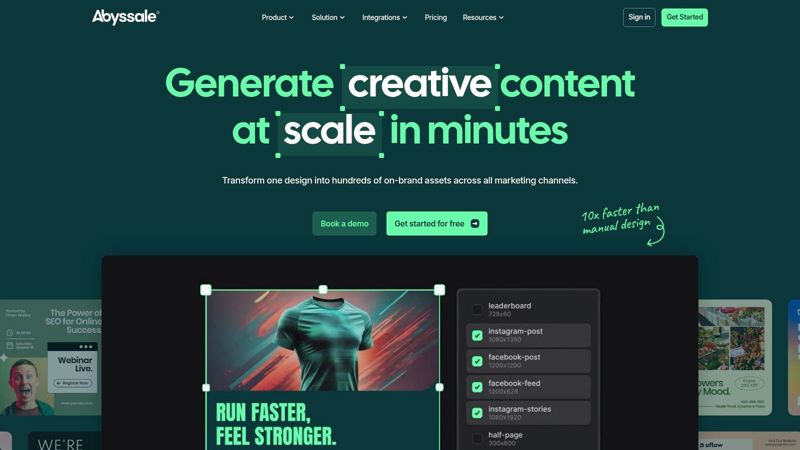
The platform allows you to create a master template and then generate countless variations by connecting it to a data source like a spreadsheet or by passing parameters through a dynamic URL. This is ideal for tasks like localizing ad campaigns or creating personalized product banners. The workflow is more involved than single-purpose tools but offers immense power for team collaboration and automating large creative sets.
Use Cases and Implementation
- Large-Scale Ad Creatives: Generate hundreds of display ad variations for different products, offers, and target audiences from a single spreadsheet.
- Social Media Automation: Automatically create and post branded social media graphics by connecting to a content calendar or data feed.
- Personalized Marketing: Use the API or dynamic image URLs to deliver personalized banners in emails, on websites, or in social media DMs.
Pricing and Integrations
Abyssale uses a transparent, credit-based model where credits are consumed for image generations, URL-based image calls, and automation tasks. This allows for flexibility across different use cases. It offers over 1,000 integrations through platforms like Zapier and Make, enabling connections to virtually any marketing or data tool.
- Pros: Exceptionally well-suited for scaling creative production for ad operations and large campaigns. Strong team collaboration features and a transparent credit model.
- Cons: The user interface is more complex than single-purpose personalization tools. Animation and video generation can be costly in credits and require careful planning.
Website: https://www.abyssale.com
7. APITemplate.io
APITemplate.io is an API-first service built for generating images and PDFs from reusable templates. Its primary function is to connect with automation workflows, making it a powerful choice for marketers who need to produce and host visual assets on-demand as part of a larger, automated process. Unlike tools focused on real-time URL parameters for email opens, APITemplate.io excels when integrated into backend systems or no-code platforms like Zapier and Make.
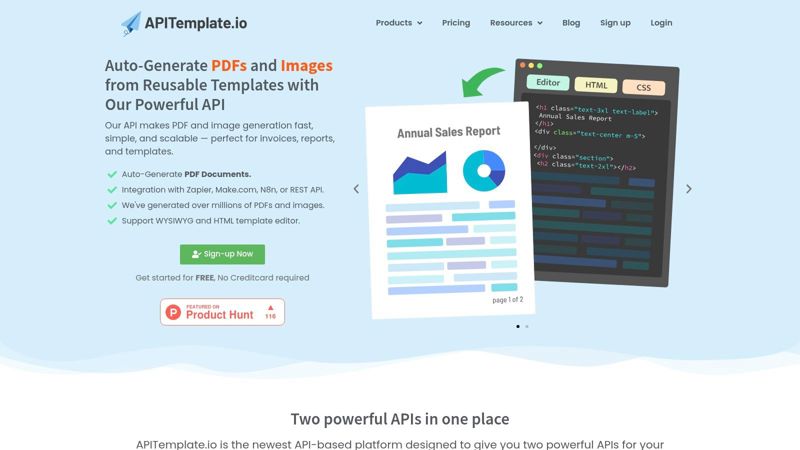
The workflow involves designing a master image in its editor, defining variable fields, and then calling its API with the specific data for each field. The service generates the final image or PDF and returns a hosted URL. This makes it one of the best URL-based image tools for marketers whose goal is to embed asset creation directly into their operational stacks, such as automatically generating social media cards from new blog posts or personalized certificates for webinar attendees.
Use Cases and Implementation
- Automated Social Media Content: Connect to your CMS via Zapier. When a new blog post is published, automatically generate a branded Open Graph image and a promotional graphic for Twitter, each with the post's title and featured image.
- Personalized Certificates: After a user completes a course or attends a webinar, trigger a workflow that generates a PDF certificate with their name and completion date, then email them the link.
- E-commerce Product Catalogs: Programmatically generate catalog pages or one-sheets by feeding product data from a spreadsheet or database into a PDF template.
Pricing and Integrations
APITemplate.io offers a free tier with a limited number of generations per month, with paid plans scaling based on API call volume. Its key strength is its deep integration with no-code automation platforms like Zapier, Make (Integromat), and n8n, along with direct API access for custom development.
- Pros: Excellent for teams embedding image generation into automation stacks. Straightforward API and strong no-code platform support simplify complex workflows.
- Cons: Not a general-purpose image CDN for on-the-fly transformations. URL parameterization is handled via API calls within an automation step, not a public-facing transformer interface.
Website: https://apitemplate.io
8. Creatomate
Creatomate is a developer-friendly platform designed for programmatic image and video generation from templates. While not a pure URL transformation service, it earns its spot as one of the best URL-based image tools for marketers by enabling the automated creation of highly customized media at scale. Marketers can design templates and then use an API to produce countless variations for ads, social media, or personalized outreach, with each output accessible via a stable, hosted URL.
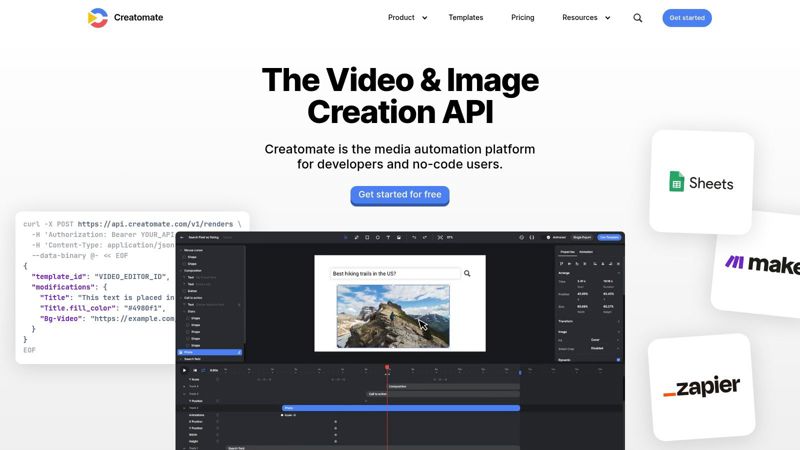
The platform’s strength lies in its template-based rendering engine and robust Render API. A marketer or developer sets up a master design, defining which elements (text, images, colors) are dynamic. Then, an API call sends the specific data for a single piece of content, and Creatomate renders the final image or video. This makes it ideal for generating thousands of unique open-graph images for a blog, personalized social share images, or even dynamic video ads without manual design work.
Use Cases and Implementation
- Automated Social Content: Programmatically generate social media share images (e.g., for Twitter or Facebook) for every new blog post, product, or user-generated content submission.
- Dynamic Ad Creatives: Create hundreds of ad variants by feeding a product catalog and ad copy into a template, testing different headlines, images, and CTAs.
- Personalized Certificates: Automate the generation of certificates for course completions or event attendance, delivering each unique image via a URL.
Pricing and Integrations
Creatomate operates on a predictable credit-based model where one render (e.g., one image or one minute of video) typically costs one credit. Plans range from a free trial with API credits to test workflows to subscription tiers based on monthly credit needs. Its API-first approach means it can integrate with any system capable of making HTTP requests, such as Zapier, custom backend applications, or marketing automation platforms.
- Pros: Excellent for automating both image and video creation from a single platform. The credit model is simple and predictable for budget planning.
- Cons: Leans more towards developers; non-technical marketers might find the initial API setup challenging compared to no-code tools. It is a generation engine, not a real-time URL transformation service.
Website: https://creatomate.com
9. Cloudinary
Cloudinary is a mature and powerful media management platform that offers an exceptionally rich, URL-based syntax for on-the-fly image and video manipulation. While it serves a broad developer audience, its deep transformation capabilities make it one of the best URL-based image tools for marketers who require granular control over their visual assets. It combines a robust Digital Asset Management (DAM) system with a global Content Delivery Network (CDN), allowing for complex manipulations via simple URL parameter changes.
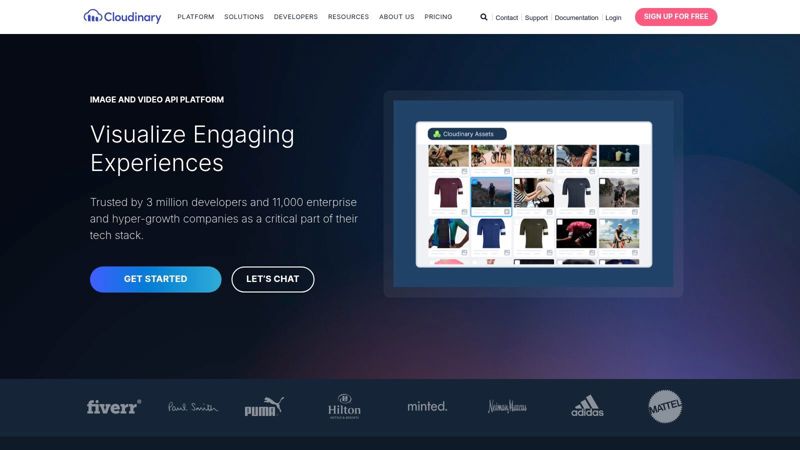
Its core strength lies in its URL transformation API. Marketers can chain multiple operations together in a single URL to resize, crop, add watermarks, apply artistic filters, or overlay text and other images. This is ideal for generating dynamic visuals for campaigns without creating dozens of static image variations. The platform also supports fetching and transforming remote images, so you can manipulate an image from any public URL.
Use Cases and Implementation
- Dynamic Ad Creatives: Automatically generate social media ad variants by changing URL parameters for background images, product shots, and promotional text overlays.
- Automated Personalization: Overlay a customer's name or a unique QR code onto a certificate or event ticket image, generated and delivered in real-time.
- Website Optimization: Serve perfectly sized and optimized images for every device and context, using parameters for format (
f_auto), quality (q_auto), and dimensions (w_,h_).
Pricing and Integrations
Cloudinary operates on a credit-based pricing model, with a generous free tier suitable for small projects. Paid plans are based on credits, which are consumed by transformations, storage, and bandwidth. This can be complex to predict, so monitoring usage is important. It offers extensive SDKs for various programming languages and integrates with major platforms like WordPress, Shopify, and Magento.
- Pros: Extremely powerful and well-documented transformation API. High-performance global CDN ensures fast load times. The most feature-rich platform in this category.
- Cons: Pricing can be complicated to manage, with potential for overages if transformations are not optimized. The sheer number of features can present a steep learning curve for non-technical users.
Website: https://cloudinary.com
10. ImageKit.io
ImageKit.io is an intelligent, real-time image and video optimization platform that delivers perfectly sized assets through a global CDN. While it serves developers heavily, it has become one of the best URL-based image tools for marketers focused on performance and SEO. Its power lies in its URL-based API, which allows for dynamic transformations, format conversions, and quality adjustments simply by changing parameters in an image URL, significantly improving page load speeds and user experience.
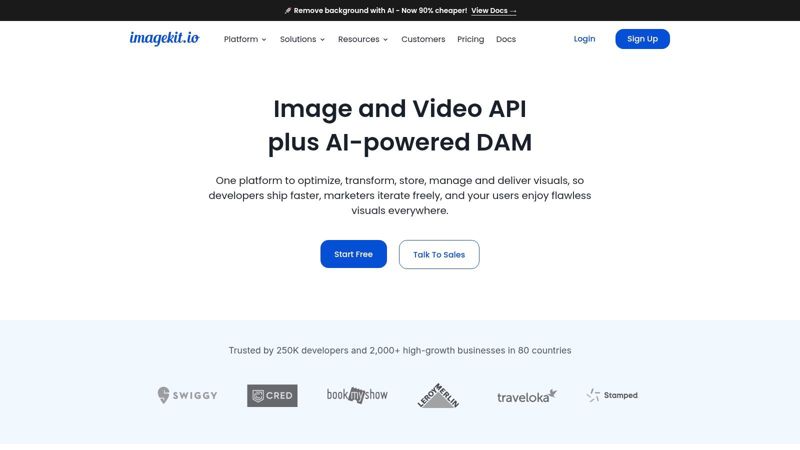
Unlike personalization-focused tools, ImageKit.io excels at on-the-fly optimization. A marketer can take a single high-resolution source image and use URL parameters to generate countless variations for different channels, such as a compressed WebP for a landing page, a squared-off JPEG for an email, or a smaller thumbnail for a social media preview. It automatically detects browser support to serve the most efficient format (like AVIF or WebP) and offers smart cropping to maintain the focal point of an image when resizing.
Use Cases and Implementation
- Website Performance: Automatically compress and resize all website images via URL to improve Core Web Vitals and SEO rankings.
- Omnichannel Campaigns: Use one master image and create URL variations for email, social media, and paid ads, ensuring optimal format and dimensions for each channel.
- Dynamic Watermarking: Programmatically add watermarks or overlays to images, useful for protecting assets in digital catalogs or adding promotional banners.
Pricing and Integrations
ImageKit.io offers a generous free-forever plan with 20GB of bandwidth and storage, making it highly accessible. Paid plans are competitively priced and scale based on bandwidth and specific features like video processing. It can integrate with any existing storage (like AWS S3 or Google Cloud Storage) or be used with its own built-in media library.
- Pros: Excellent for improving website speed and SEO with minimal effort. Very clear billing documentation and a strong free tier.
- Cons: Primarily focused on delivery and transformation, not on-image dynamic text or personalization like NiftyImages or Abyssale.
Website: https://imagekit.io
11. Imgix
Imgix is an enterprise-grade, URL-driven image processing service and Content Delivery Network (CDN) that excels at delivering high-performance, responsive images at scale. It provides a massive suite of over 100 real-time image operations accessible directly via URL parameters. This makes it one of the best URL-based image tools for marketers managing large visual catalogs for e-commerce sites, content platforms, or applications where image variants and performance are critical.
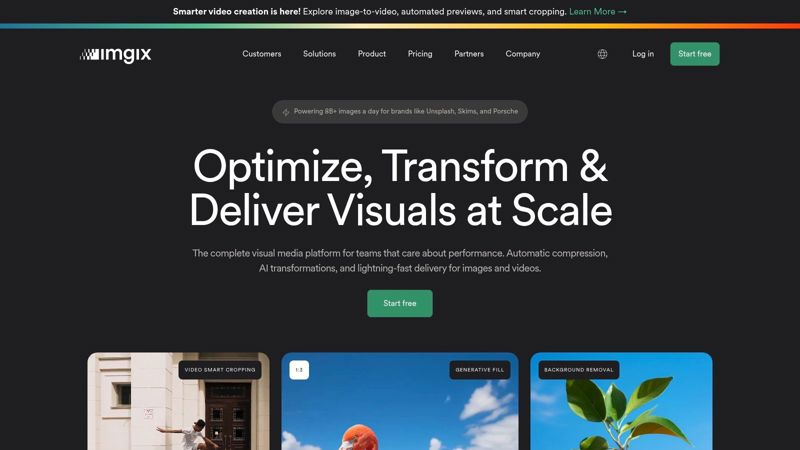
Unlike template-focused creative automation tools, Imgix's power lies in its API-first approach to manipulation. Marketers can apply complex transformations like intelligent face or entropy-based cropping (crop=faces), color adjustments, watermarks, and text overlays on the fly. Simply change a parameter in the image URL, and the Imgix global CDN generates and serves the new version instantly, a process ideal for A/B testing creative or dynamically generating social media assets.
Use Cases and Implementation
- E-commerce Product Catalogs: Automatically generate perfectly cropped and resized product images for category pages, product detail pages, and thumbnails from a single high-resolution master image.
- Dynamic Social Media Visuals: Create open-graph images or social post visuals by programmatically overlaying text, logos, or user-generated content onto a base template.
- Performance Optimization: Use parameters like
auto=format,compressto automatically serve next-gen formats (like AVIF or WebP) and apply optimal compression, drastically improving page load times.
Pricing and Integrations
Imgix uses a usage-based pricing model, primarily based on bandwidth and the number of "origin images" accessed per month. Newer plans incorporate a credits system that also accounts for more advanced operations like AI-tagging and video processing. It integrates with any system capable of constructing image URLs and is often used alongside headless CMS platforms, custom web applications, and large-scale digital asset management systems.
- Pros: Exceptional performance and reliability at scale. Extensive and well-documented list of powerful URL-based operations.
- Cons: The usage-based pricing can be difficult to estimate and requires monitoring. It's a developer-centric tool with less of a visual, no-code design interface compared to others on this list.
Website: https://www.imgix.com
12. Pixelixe
Pixelixe is a lightweight creative automation platform centered around an Image Automation API. It allows marketers to design templates and then generate thousands of image variations programmatically or via a simple spreadsheet upload. This positions it as one of the best URL-based image tools for marketers needing to produce campaign visuals at scale without a complex engineering setup.
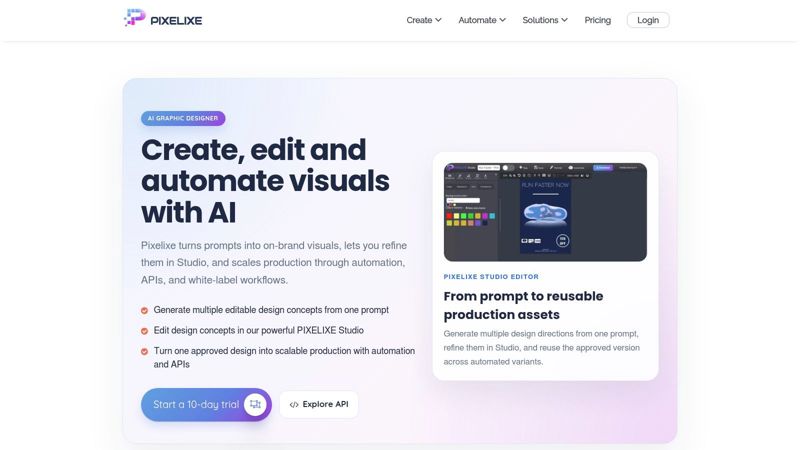
The platform’s strength lies in its accessibility and dual-mode operation. Marketers can either use the "Automate" API to construct image URLs with dynamic parameters for real-time generation or use the "Studio" feature to design and then mass-produce visuals. The spreadsheet-to-image workflow is particularly effective; you fill a sheet with text and image URL data, upload it, and Pixelixe generates a unique, hosted URL for each resulting graphic.
Use Cases and Implementation
- Social Media Campaigns: Mass-generate branded quote cards, promotional announcements, or testimonial graphics for different platforms by populating a spreadsheet with the content for each post.
- Ad Creative Generation: Create hundreds of ad banner variations for A/B testing, each with different headlines, calls-to-action, or background images.
- E-commerce Product Banners: Automatically generate sale banners or "New Arrival" graphics for every product in a new collection by referencing a product data feed.
Pricing and Integrations
Pixelixe offers separate pricing for its "Studio" and "Automate" (API) products. The Automate plans are tiered based on the number of images generated per month, starting with a free tier. The Studio plans are based on user seats and download credits. It is designed to be a standalone tool, where you generate images and then paste the resulting URLs into any email, social, or web platform.
- Pros: Very easy on-ramp for small teams and agencies. The spreadsheet-driven workflow is excellent for mass-generating static campaign visuals quickly.
- Cons: Less advanced CDN optimization compared to dedicated image transformers. On-the-fly URL parameterization is more constrained than platforms like Cloudinary or ImageKit.
Website: https://pixelixe.com
Top 12 URL-Based Image Tools for Marketers — Comparison
| Platform | Key Features | UX & Quality ★ | Value & Pricing 💰 | Ideal Users 👥 | Unique Selling Points ✨ |
|---|---|---|---|---|---|
| OKZest 🏆 | No-code editor + REST API, URL-driven, real-time data, analytics | ★★★★★, fast setup, live-updatable images | Free tier (2.5k watermarked) → scales to millions, team roles | Email marketers, agencies, social managers, events, sales | Live-updatable images, ~99% ESP compatibility, drag‑drop + API, proven uplift |
| NiftyImages | ESP merge-tag support, real-time render, email templates | ★★★★☆, very fast to deploy for email | Email-focused pricing, quick ROI | Email teams, CRM managers | Built for deliverability, accepts any ESP merge tag |
| Hyperise | Dynamic layers (logos/photos/maps), integrations, custom domains | ★★★★, easy editor for non-technical users | Seat-based pricing, view allowances to monitor | Outbound sales, LinkedIn outreach, marketers | Combines image & website personalization in one UI |
| Bannerbear | Template editor, Simple/Signed URLs, CDN, Zapier/Make | ★★★★, robust editor & API | Credits + bandwidth model | Agencies, social/ad ops | URL-based creative automation with strong integrations |
| Placid | URL API + REST API, dynamic templates, large canvases | ★★★★, easy URL preview & testing | Credit model, previews watermarked until purchase | OG/social images, campaign visuals | True one-call URL generation for on‑the‑fly assets |
| Abyssale | Spreadsheet-driven generation, dynamic URLs, template editor | ★★★★, good for high-volume creative sets | Transparent credits model, animations billed per second | Ad ops, agencies scaling banners | Spreadsheet workflows + 1000+ app integrations |
| APITemplate.io | Template editor, Zapier/Make integrations, hosted outputs | ★★★☆, automation-focused UX | API-centric pricing per output | Automation teams, marketers using Zapier/Make | Generates & hosts image/PDF URLs for automation flows |
| Creatomate | Template rendering for images & video, render API | ★★★★, developer-friendly, predictable | Predictable credit model (e.g., 1 image = 1 credit) | Dev teams, marketing ops, video automation | Strong mixed image+video programmatic automation |
| Cloudinary | Rich URL transforms, DAM, SDKs, global CDN | ★★★★★, enterprise-grade reliability | Multiple pricing components (storage/transform/bandwidth) | Devs, large catalogs, eCommerce | Deepest transform ecosystem & media library |
| ImageKit.io | Real-time optimization, smart crop, device-aware CDN | ★★★★☆, SEO & speed benefits | Competitive, transparent billing | Developers & marketers focused on page speed | Auto format/quality, smart crop for devices |
| Imgix | 100+ URL ops, real-time rendering, CDN analytics | ★★★★★, high-performance at scale | Credits-based, enterprise plans | Large catalogs, content sites, commerce | Advanced cropping, overlays, analytics & performance |
| Pixelixe | Template API, spreadsheet automation, hosted URLs | ★★★☆, easy on-ramp for small teams | Affordable, pay-per-image flows | Small agencies, startups | Spreadsheet mass-generation and quick hosted outputs |
Which URL-Based Image Tool Is Right for You? A Marketer's Guide
We've explored a dozen of the best URL based image tools for marketers, from powerful automation APIs to simple no-code editors. Each platform offers a unique approach to turning static visuals into dynamic, personalized experiences. The core takeaway is clear: static, one-size-fits-all imagery is no longer enough to capture attention. Dynamic, data-driven visuals are now an essential part of any modern marketing stack.
The true power of these tools lies in their ability to connect with your existing data sources, whether it's a customer's name from your CRM, a product from your e-commerce store, or real-time event details. By building images on the fly via a URL, you create a direct, personal connection with your audience at a scale that manual design could never achieve. This moves your marketing from broadcasting a generic message to having a one-to-one conversation.
Selecting Your Tool: A Profile-Based Recommendation
Navigating this list can be overwhelming. To simplify your decision, we've matched the top tools to specific marketer profiles. Find your role below to see our top recommendations.
For the Email Marketer: If your world revolves around email campaigns and you need dependable personalization like merge tags and countdown timers, NiftyImages is a great starting point. For more advanced needs that cross into social media and web personalization, OKZest is the superior choice, offering broad ESP compatibility and powerful real-time data features.
For the Marketing Agency or High-Volume Team: When managing multiple clients or scaling creative production, you need efficiency. OKZest shines here with its strong team features and a balanced no-code/API approach. For pure automation and deep workflow integration, Bannerbear offers a robust solution with granular team roles.
For the Sales & Outbound Marketer: Your goal is to break through the noise. Hyperise is purpose-built for this, with deep integrations into LinkedIn and outreach tools. Its focus on hyper-personalization using website screenshots and profile data is designed to grab attention and start conversations.
For the Performance Marketer Focused on SEO & Site Speed: Your choice is straightforward: ImageKit.io or Cloudinary. These platforms are digital asset management powerhouses that excel at on-the-fly optimization. Their features directly impact Core Web Vitals, improve user experience, and ensure your site is as fast as possible.
For the Developer-Marketer Hybrid: If you are comfortable working directly with APIs and demand maximum control, Cloudinary provides the most extensive library of image and video transformations. For those building automated systems from the ground up, the clean, modern APIs from Creatomate or Placid offer an excellent developer experience.
Final Thoughts: Making Your Choice
The right tool ultimately depends on three factors: your primary use case, your technical comfort level, and your budget. Start by identifying the single most important problem you need to solve. Is it personalized email banners, automated social media content, or faster-loading website images?
Once you have your primary goal, use the free trials offered by these platforms. Test the editor, generate a few sample URLs, and see how it fits into your workflow. Does the interface make sense? Does it integrate with your email platform or CRM? Answering these questions with hands-on experience is the best way to choose with confidence.
While specialized tools like Hyperise and ImageKit.io are excellent in their niches, OKZest emerges as the best all-around choice for most marketers. It strikes a rare balance between a user-friendly no-code editor and a powerful API. This dual capability makes it accessible for immediate campaign needs while providing the depth required for complex, scalable automation projects, solidifying its position among the best URL based image tools for marketers.
Ready to see how easy it is to create personalized images for your campaigns? OKZest combines a powerful, no-code image editor with a flexible API, making it the perfect all-in-one solution for marketers. Sign up for a free trial of OKZest and start building dynamic, attention-grabbing visuals in minutes.