A subscriber opens your email. The subject line did its job. The copy references their company, their offer, or the webinar they registered for. Then they hit a generic hero image that could have gone to anyone.
That break matters.
Visuals carry just as much context as copy, especially in email, paid social, and event promotion. If the text says “for you” but the image says “for everyone,” the message loses force. Real time image personalization tools close that gap by generating visuals from live or mapped data, such as name, location, countdown, product interest, event status, or account owner.
Customer expectations are already there. McKinsey notes that consumers expect companies to deliver personalized interactions, and many get frustrated when that does not happen, as outlined in its analysis of the value of getting personalization right or wrong. Images are part of that experience, not a design extra.
The practical question is not whether to personalize visuals. It is how you want to run it.
Some teams need marketer-first tools that plug into an ESP, let campaign managers build templates themselves, and get a campaign live without asking engineering for every revision. Other teams need developer-first platforms with APIs, transformation logic, and tighter control over how assets are rendered at scale. That split matters more than a long feature checklist because the wrong tool usually fails in operations, not in the demo.
This guide is built around that distinction. It separates marketer-first and developer-first options so you can choose based on who will build, QA, and maintain the workflow. If you want a broader primer on how real-time image generation works in practice, start there before comparing vendors.
If you’re using personalized visuals for webinars, launches, or attendee engagement, Undisposable's virtual event guide is also worth a look.
1. OKZest
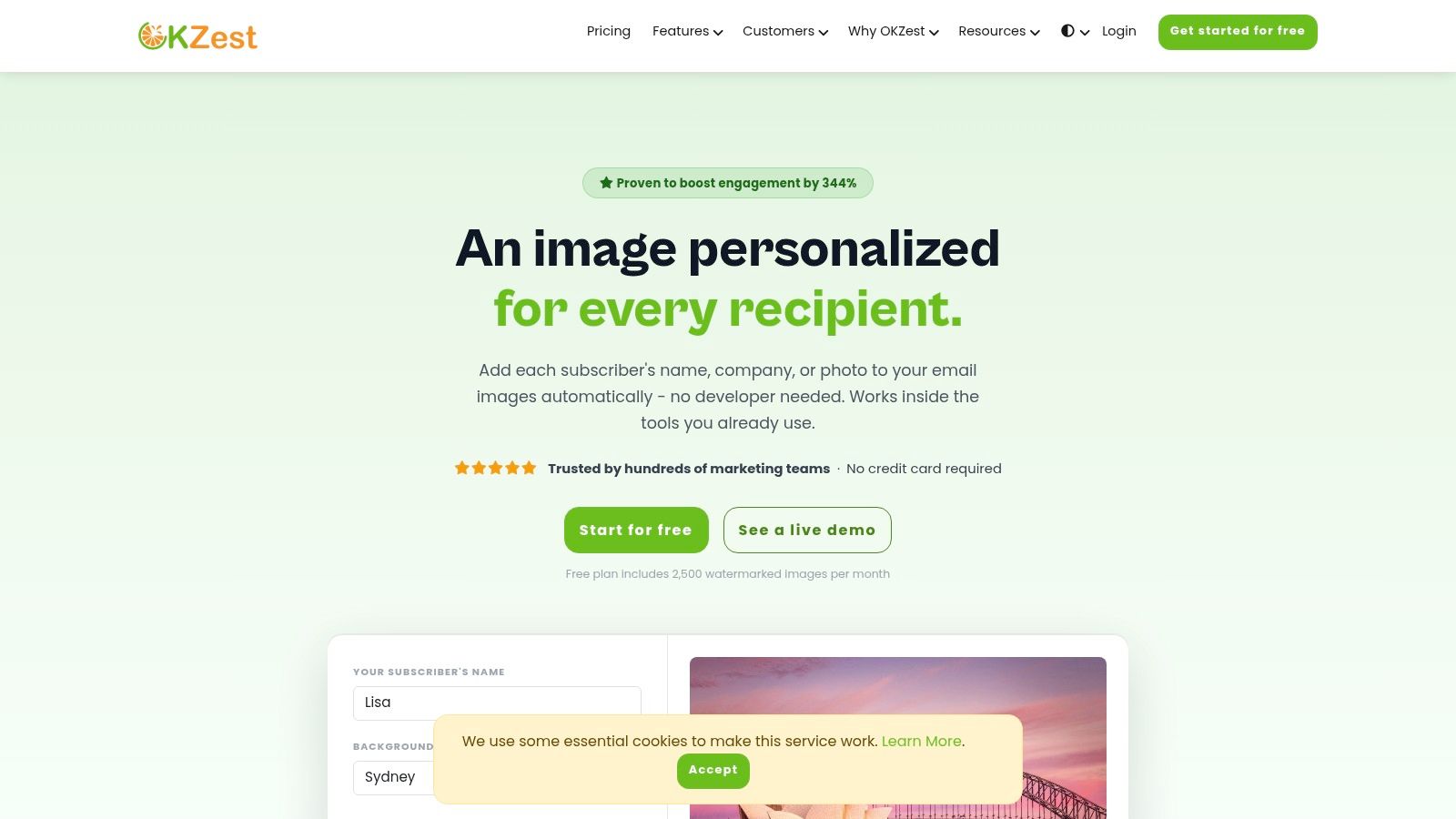
A common email scenario looks like this. The campaign is approved, the copy is ready, and the team wants each recipient to see their own name, company, event, or offer inside the image. Then the project stalls because nobody wants to rebuild templates in code or create hundreds of static versions by hand.
OKZest solves that operational problem well. It is one of the clearer marketer-first options in this category because campaign teams can build dynamic image templates in a visual editor, while developers still have API access if the workflow needs tighter automation later. That balance matters. It lets you launch a straightforward campaign fast, without boxing the team into a no-code setup that becomes limiting six months later.
The setup is simple in practice. You create a template, map fields from your ESP or CRM, and place the generated image URL or HTML snippet into the email or landing page. OKZest is designed to fit into existing sending workflows, which is usually the deciding factor for CRM teams that want personalized visuals without changing ESPs or adding a new rendering layer to the stack.
Why OKZest works for marketers
OKZest fits teams that need execution speed more than engineering freedom. If your lifecycle team, agency, or CRM manager is the one building campaigns day to day, that matters more than a long feature list.
What stands out in real use
- Visual template builder: Campaign managers can create and edit image variants without waiting on design or frontend support.
- API support: Development teams can connect product data, event systems, or internal tools when the campaign goes beyond standard merge fields.
- Live data inputs: Templates can pull from APIs and databases, and fallback values help protect output when CRM records are incomplete.
- Multi-channel use: The same approach can work across email, landing pages, chat, WhatsApp, certificates, and direct outreach.
- Shared production workflow: Workspaces, roles, and reusable assets help once multiple marketers, designers, or clients are involved.
A practical example makes the value clearer. Say you need a webinar follow-up email by this afternoon. Build one base image with the webinar title, speaker name, and attendee first name as dynamic fields. Add fallback text for missing records. Generate the image URL, drop it into your ESP, test a few contacts with clean and messy data, and send. That is the type of job OKZest handles well because the bottleneck is usually production time, not template theory.
If you want a more technical explanation of how these image URLs are rendered, OKZest has a useful overview of real-time image generation for marketing workflows.
Fast implementation in under an hour
For a first campaign, keep the scope tight. Welcome emails, event certificates, webinar reminders, sales prospecting visuals, and post-purchase follow-ups are strong starting points because the required data is usually already sitting in your ESP or CRM.
A practical workflow looks like this:
- Create a base image in the OKZest editor.
- Add dynamic fields such as first name, company name, event title, product name, or date.
- Set fallback values so blank fields do not create broken or awkward images.
- Generate the image URL.
- Insert that URL into your ESP image block using the platform’s merge tags.
- Send tests to records with both clean and imperfect data.
- Review rendering across major inboxes, then launch.
The trade-off is the same one you will face with any real-time image personalization tool. If your customer data is inconsistent, or an email client blocks remote images, the result gets weaker fast. OKZest gives you the controls to reduce that risk, but it does not remove the need for field hygiene, fallback logic, and inbox QA.
You can explore the platform at OKZest.
Marketer-first tools
These are the platforms I’d shortlist if your main users are email marketers, lifecycle teams, CRM managers, agencies, or creative operations leads. The common thread is speed to launch inside existing campaign workflows.
2. Movable Ink
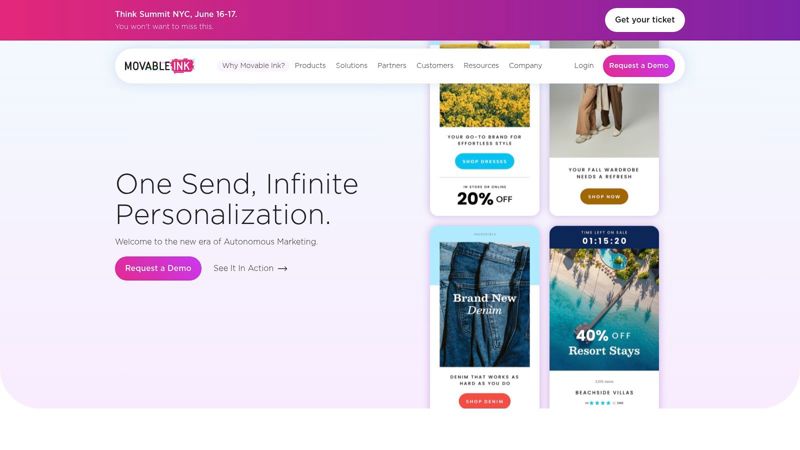
A retailer sends a weekend promo on Friday night. By Saturday morning, prices have changed, inventory has shifted, and half the audience opens on mobile in different regions. Movable Ink is built for that kind of environment.
It sits on the marketer-first side of this category, but at the enterprise end of it. If you run large email programs in retail, travel, finance, or media, and need creative to update at open time across email, web, and mobile, Movable Ink is often on the shortlist early. The reason is practical. It handles scale, governance, and cross-functional complexity better than lighter tools, even if it takes more effort to get running.
Its strength is open-time rendering. Creative can change based on time, location, device, pricing, inventory, or other live inputs when the message is opened. That matters when stale content creates a bad customer experience or forces your team to approve creative too far in advance.
Where it fits best
Movable Ink works best for organizations that already have useful customer and product data, but need a way to turn that data into live creative without replacing the ESP or rebuilding campaign operations from scratch. The upside is relevance at the moment of open, not just at the moment of send.
That approach lines up with broader buyer expectations. McKinsey notes that personalization leaders use data and decisioning in ways that drive stronger commercial results, especially when relevance reflects current customer context rather than static segments. In practice, that is the case for using a platform like this. You are paying for timing, orchestration, and control.
Enterprise teams often underestimate the operational side more than the technical side. The hard part is usually getting legal, brand, analytics, CRM, and merchandising teams aligned on which data can feed the creative, how often it refreshes, and who signs off when something changes after send.
Trade-offs
This is not the tool I would pick for a fast, low-stakes test. Pricing is enterprise-oriented, onboarding usually involves multiple stakeholders, and setup can require tighter coordination between marketing, data, and compliance than smaller teams expect.
That trade-off is not a flaw. It is the point.
If your team needs governance, service support, and cross-channel execution, Movable Ink earns a serious look. If you want to launch a personalized image campaign in under an hour with minimal dependencies, a lighter marketer-first tool such as OKZest will usually be easier to operationalize.
You can review the platform at Movable Ink.
3. Litmus Personalize formerly Kickdynamic
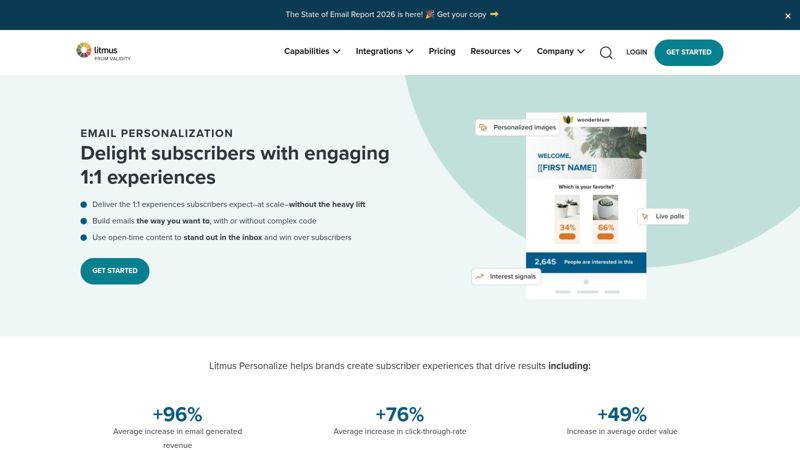
Litmus Personalize makes the most sense when your team already lives inside Litmus for testing and QA. That’s its practical edge. Instead of managing one platform for previews and another for dynamic visuals, you keep more of the email workflow under one roof.
The dynamic modules are familiar to experienced email teams. Countdowns, live polls, product imagery, geo logic, and device-aware rendering are the kinds of components that can improve relevance without forcing you into bespoke development every time.
Why email teams like it
This is a focused toolset for people who care about execution quality. If your send process includes approvals, render testing, and inbox QA, Litmus Personalize fits naturally because the dynamic creative doesn’t sit in isolation from the rest of email production.
Best use cases
- Live campaign urgency: Countdown timers and open-time visuals work well for launches and limited windows.
- Product-led messages: Dynamic product blocks help when inventory or merchandising shifts quickly.
- Operational discipline: Teams with rigorous QA processes benefit from tighter testing workflows.
One thing I like here is that it supports common dynamic patterns without demanding a custom engineering sprint. One thing I don’t like is the planning overhead that can come with impression-based usage. If your list size and open behavior fluctuate a lot, forecasting can become a budget conversation instead of a campaign conversation.
Trade-offs
Litmus Personalize is still primarily email-focused. If your bigger objective is to personalize visual content across web, social, and messaging surfaces with one runtime layer, other tools will stretch further. But if email is where your team already wins, focus beats sprawl.
You can see the product at Litmus Personalize.
4. Liveclicker now part of Zeta Global
A common enterprise scenario looks like this: the campaign is approved in the morning, inventory shifts by lunch, and the creative in the inbox needs to reflect the latest offer at open. Liveclicker was built for that kind of job. Under Zeta Global, it still centers on live, open-time content for email and mobile messaging, with modules that can react to time, place, and changing campaign conditions.
That matters more for operational teams than for experimentation-heavy marketers. Social feeds, polls, countdown logic, and location-aware content are useful when the message needs to stay current after send, especially in large programs where manual asset swaps are too slow.
The Zeta Global Connection
Liveclicker is easiest to justify when your team already works inside the Zeta stack, or plans to. The value is not just the dynamic image layer. It is the connection to a larger customer data and orchestration environment. For some organizations, that reduces integration friction and governance headaches. For others, it adds platform dependency they did not want.
That trade-off should guide the shortlist.
Open-time personalization only works when rendering is fast and dependable. As noted earlier, serious real-time systems live or die on response speed, because delayed asset delivery turns a personalized experience into a visible production flaw.
Trade-offs
This is a developer-supported, procurement-heavy option. Contracts usually involve sales conversations, implementation often needs input from email ops, data, and security, and the product can feel less straightforward during a brand transition.
For enterprise teams, that may be acceptable. A centralized platform can be a good trade if you need governance, support, and broader orchestration around the creative layer. For smaller teams, or for marketers comparing tools by time-to-launch, options in the marketer-first group will usually be easier to test and deploy.
You can find it at Zeta Global Liveclicker.
5. Zembula
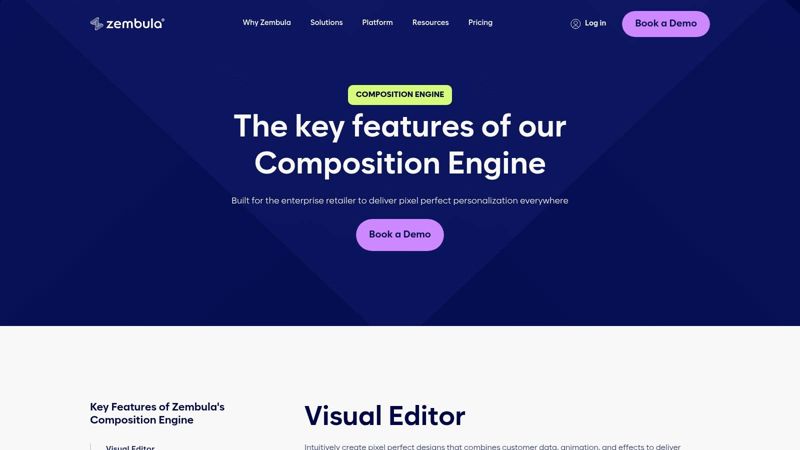
A retail team is sending three campaigns this week, each with different inventory pressure, offers, and audience rules. The hard part is often not adding a first name to the image. It is deciding which creative each subscriber should see without rebuilding assets every time. Zembula is built for that problem.
It sits in an interesting middle ground between the marketer-first tools and the more developer-heavy options later in this guide. You still deploy through a single image URL, which keeps email production manageable, but the primary value comes from decision logic around what image should render for each person.
Where Zembula earns its keep
Zembula makes sense when creative selection is the bottleneck.
Retail and ecommerce teams deal with constant variation. Promo windows shift. Product priorities change. Different customer segments need different messages. If your team is spending too much time swapping banners, updating offer versions, and coordinating last-minute asset changes, Zembula can remove a lot of that manual work by generating the right variant at send or open time.
That matters because strong personalization usually depends on coordination across channels and systems, not just a single dynamic image layer. McKinsey’s research on personalization makes the broader point clearly. Companies that use personalization well tend to see better commercial outcomes, but only when the operational setup can support it consistently.
Trade-offs
Zembula is not the tool I would pick for a team that just wants simple name insertion, countdowns, or quick promotional overlays. In that case, a marketer-first product like OKZest or NiftyImages usually gets you live faster with less setup.
Zembula starts to look attractive once your team already has usable product, offer, or audience data and needs rules-based creative selection. That brings more control, but it also brings more setup discipline. Someone has to define the logic, test edge cases, and keep the data inputs clean. If your segmentation is still basic, that extra complexity can outweigh the benefit.
You can review the product at Zembula Composition Engine.
6. NiftyImages
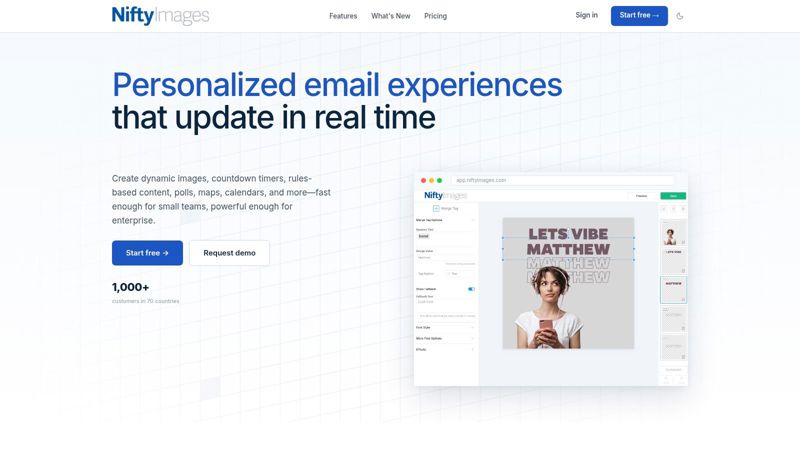
A common email production problem looks like this. The campaign is ready, the offer is changing by segment, and the team still needs countdown timers, local time messaging, or a few personalized image variants before send. NiftyImages works well in that situation because it keeps the workflow close to standard email production instead of forcing a heavier build process.
That makes it a practical fit in the Marketer-First group. If OKZest is often the faster choice for straightforward personalized image campaigns, NiftyImages earns its place when your email team also wants utility elements like live timers, animated GIF generation, charts, and dynamic text overlays from the same tool.
Best for teams that need email personalization without extra technical lift
The appeal is speed, but not just speed to launch. It is speed to repeatable execution. A marketer or email specialist can work with merge tags, set fallback values, generate the image URL, and drop it into a campaign without waiting on a developer for each update.
That matters because product discovery emails, promotion reminders, and deadline-driven campaigns usually fail in production, not strategy. The more steps you add between brief and send, the more likely the team cuts personalization to hit the deadline.
Where it shines
- Email-first execution: Strong fit for teams focused on promotional emails, lifecycle campaigns, and triggered sends.
- Useful dynamic elements: Countdown timers, live data displays, and image personalization are available in one workflow.
- Accessible buying process: Public pricing helps smaller teams judge fit early, especially if they are comparing marketer-first tools before committing to an enterprise contract.
- Low-code setup: Good option for email teams that can manage templates and ESP logic but do not want to build image rendering pipelines themselves.
Trade-offs
NiftyImages is narrower than developer-first platforms like Bannerbear, Cloudinary, or ImageKit.io. You get less control over custom media workflows, broader app integration, and cross-channel rendering logic. For a team that wants one system to support email, web, product-generated visuals, and internal automation, that limitation matters.
There is also a template discipline issue. NiftyImages is easiest to manage when the personalization rules are simple and the creative system is clear. Once a team starts stacking too many conditions into one asset, production gets harder to QA and fallback behavior matters more than expected.
For email-heavy programs, that is often an acceptable trade-off. You are choosing a tool that helps marketers get campaigns live quickly, not a platform designed for highly custom infrastructure.
You can check it out at NiftyImages.
7. Hyperise
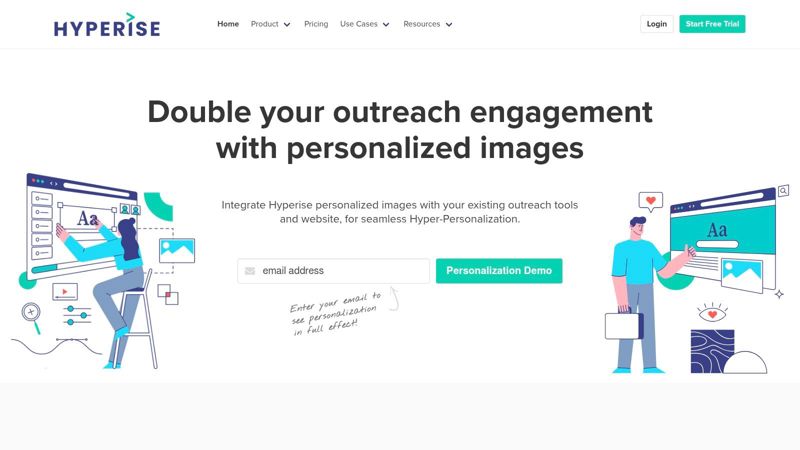
A rep needs 200 account-specific outreach images before tomorrow’s send. A growth team wants personalized landing page visuals for paid traffic this week, not after a design sprint. Hyperise is built for that kind of speed.
It fits the marketer-first side of this guide. You can build templates, connect data, generate personalized image URLs, and get campaigns live without asking engineering to build a rendering workflow first. That matters for agencies, SDR teams, and demand gen teams running fast tests across email, LinkedIn, sales sequences, and ABM pages.
Where it performs best
Hyperise works best when the personalization needs to be obvious at a glance. Company logos on mockups, personalized website screenshots, custom social images, and dynamic video thumbnails are all strong use cases because the value is immediate. The recipient does not need to read copy for the personalization to register.
That makes Hyperise especially useful for outbound and account-based programs where visual relevance helps earn the first click.
It also has a broader role than prospecting. As noted earlier in this article, strong personalization can improve how customers perceive a brand over time. Hyperise can support that goal when you use it for onboarding visuals, personalized offers, or customer-specific landing experiences, not just cold outreach.
Good Hyperise creative reflects context, not just identity. A company name alone feels like a tactic. A visual tied to the prospect’s site, offer, industry, or use case feels more relevant.
Trade-offs
Hyperise is fast, but speed can create sloppy execution if the creative system is weak. Teams often get excited by enrichment options and stack too many variables into one image. The result is clutter, slower QA, and assets that feel gimmicky instead of useful.
There is also a practical line between marketer-friendly personalization and custom production logic. If you need tight control over asset transformations, storage, APIs, or event-driven generation across multiple products, a developer-first tool will give you more flexibility. Hyperise is the better fit when the priority is campaign execution speed and visible one-to-one personalization managed by marketing.
Keep the focal point clear. One strong personalized element usually performs better than five smaller ones fighting for attention.
You can explore the platform at Hyperise.
Developer-first tools
These are the tools I’d choose when engineering, product, or automation teams want tighter control over rendering, storage, transformations, or event-driven generation. They’re often more flexible than marketer-first tools, but they ask more from your stack and your team.
8. Bannerbear
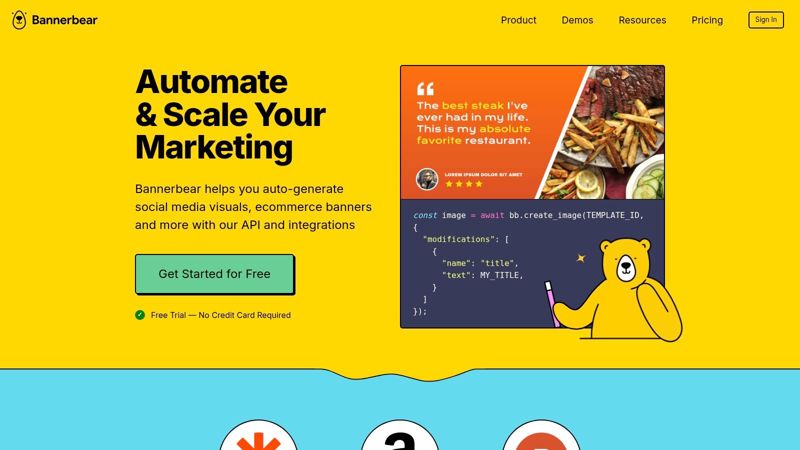
Bannerbear is excellent when your personalization workflow is driven by automations rather than open-time email rendering. It generates images, videos, and PDFs from templates using an API and a wide set of no-code connectors like Zapier, Make, and Airtable.
That makes it a practical bridge between marketer and developer worlds, but it still belongs in the developer-first group because its power comes from orchestration.
What it does well
Bannerbear is ideal for triggered assets. Think webinar reminders, social graphics, user milestone images, ecommerce creatives, or certificates generated after a form submission or database event. It fits asynchronous workflows very well.
The key distinction is timing. Bannerbear isn’t trying to render a new image at open-time inside an inbox. It’s generating an asset after a trigger, then making it available for use. That’s a different job, and often the right one.
Trade-offs
If you specifically need live, open-time updates based on current context, Bannerbear isn’t the purest fit. Generation takes seconds, not an instant render at the moment of open. Template sprawl can also creep in when teams start making a separate template for every campaign variation instead of building a manageable system.
Still, for automation-heavy teams, it’s one of the most useful tools in this category because it connects cleanly to the rest of your workflow stack.
You can see it at Bannerbear.
9. Cloudinary Programmable Media
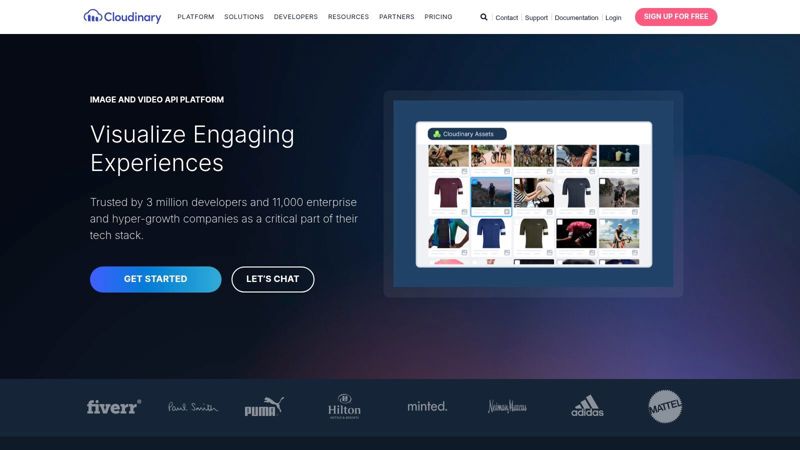
A team chooses Cloudinary when image personalization stops being a campaign feature and becomes part of the product stack. If your creatives need to be assembled from live data, served fast, and governed across a large media library, Cloudinary is built for that job.
That puts it firmly in the developer-first group.
Cloudinary gives engineers tight control over transformations, layered overlays, text rendering, asset versions, and delivery rules. The upside is flexibility at scale. The trade-off is that marketing usually does not run it alone. Someone has to define templates, naming conventions, transformation logic, and guardrails before the system stays manageable.
When Cloudinary is the right answer
Cloudinary fits best when personalized visuals are tied to web, app, or platform experiences with real traffic and real complexity. It is a strong choice for teams that need one system for storage, optimization, transformation, and delivery instead of stitching those pieces together across multiple tools.
It also makes sense when governance matters as much as rendering. Brand teams can keep approved assets in one place, while developers control how those assets are transformed and served across different touchpoints.
Best fit scenarios
- Product and web personalization: User-specific banners, localized hero images, or inventory-aware creatives generated from live inputs.
- Large asset operations: Teams managing high volumes of media alongside personalization logic.
- Engineering-led implementation: Companies that want to build the experience layer themselves instead of relying on a marketer-facing campaign UI.
Trade-offs
Cloudinary asks more from your team than marketer-first tools like OKZest, Movable Ink, or NiftyImages. You get more control, but you also take on more setup. Template systems need planning. Variable handling needs discipline. Costs need monitoring, especially if every visit or app session can trigger transformed assets at scale.
For an engineering-led business, that is often a fair exchange.
For a lean email team that mainly wants open-time image swaps without much technical overhead, Cloudinary is usually more platform than you need.
You can explore it at Cloudinary.
10. ImageKit.io
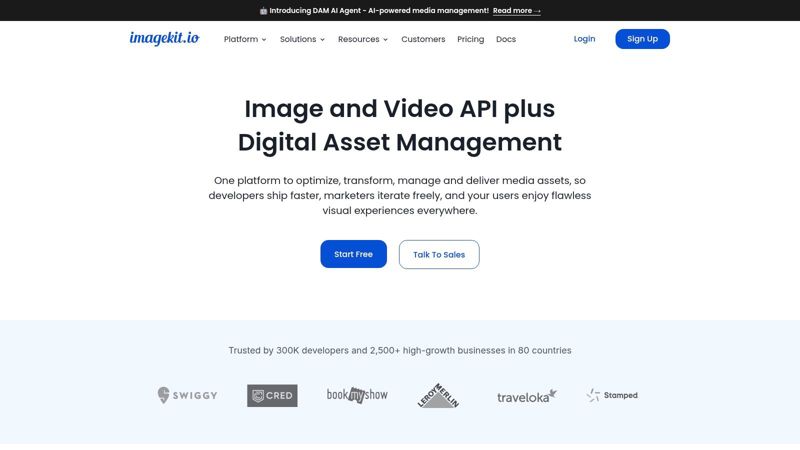
A product team wants to localize homepage banners, swap pricing graphics by region, and generate personalized promo images from URL parameters. They do not need a campaign studio. They need fast image assembly, predictable delivery, and developer control. That is the case for ImageKit.io.
ImageKit.io fits squarely in the developer-first side of this guide. It gives engineering teams URL-based transformations, overlays, optimization, and CDN delivery in one lighter package than a full media platform. For web and app personalization, that can be the right balance. It can also support email images, but only if your team is comfortable generating and passing dynamic parameters from your ESP or backend.
Why developers choose it
The main appeal is control without too much platform weight. Developers can layer text, badges, product shots, and background assets through transformation URLs, then serve those variations quickly at scale. That works well for use cases like location-specific hero images, account-based landing page graphics, or marketplace visuals that change based on inventory and price.
It also helps teams keep personalization logic close to the product experience. Instead of relying on a marketer-facing builder, your team can connect image generation directly to application data, feature flags, or customer attributes. If your workflow already runs through engineering, that is often faster to maintain than handing off templates between marketing and development.
Trade-offs
ImageKit is a good infrastructure choice. It is not a campaign operations tool.
Marketing teams that want drag-and-drop editing, built-in fallback rules, approvals, or quick email deployment will usually move faster with a marketer-first platform like OKZest, Movable Ink, or NiftyImages. ImageKit gives you flexibility, but your team has to build more of the workflow around it. That includes template governance, variable formatting, QA, and the logic that decides which image version gets served.
That trade-off is reasonable for product-led companies and engineering-heavy teams. For a small lifecycle marketing team trying to launch open-time email personalization in under an hour, it is usually more setup than necessary.
You can find it at ImageKit.io.
Top 10 Real-Time Image Personalization Tools, Comparison
| Solution | Key features | Data sources & real-time | Ease of use & integration | Best for | Pricing & scale |
|---|---|---|---|---|---|
| OKZest | No-code drag‑drop editor + developer API; real‑time open‑time images; built‑in analytics; team workspaces | Static + live DBs/APIs; fallback values; images update at open | Single image URL/HTML; 99% ESP compatible; fast setup (<1 hr); live chat & video support | Email marketers, agencies, social managers, events, sales; SMBs → enterprises | Free tier (2.5k watermarked/mo) → enterprise; scales to millions; team roles on higher tiers |
| Movable Ink | Enterprise open‑time rendering; CDN & security; device/location logic | First‑ & third‑party data; CDP/ESP integrations | Integrates with ESPs; strong CDN/performance; requires enterprise onboarding | Large retailers, travel, finance, media; regulated industries | Enterprise pricing; contract & professional services |
| Litmus Personalize | Dynamic timers, previews, polls; testing & QA workflows; impression tracking | Real‑time images with device & geo logic | Built into Litmus testing suite; email QA focus | Teams already using Litmus; email optimization teams | Impression‑based billing; pricing not fully public |
| Liveclicker (Zeta) | Open‑time modules: polls, social feeds, live content | Live data + targeting rules | Enterprise integrations via Zeta; onboarding required | Enterprise email teams; marketing cloud users | Enterprise contracts; positioned for large customers |
| Zembula | Decisioning composition engine; creative swaps; vector tool | Data‑driven decisioning and targeting | Retail playbooks; operational focus; requires setup | Retail teams, high‑frequency sends, ROI‑focused ops | Enterprise pricing by request; setup investment |
| NiftyImages | Merge‑tag personalization; timers & charts; live API values | Merge tags + API values; fallback handling | Self‑serve; quick implementation; clear public pricing | SMB → mid‑market email teams | Public pricing tiers; SMB‑friendly plans |
| Hyperise | Rich enrichment (logos, site screenshots); visual editor; video previews | URL‑based rendering with many enrichment points | Fast to go live; many templates/integrations; potential latency/cost | Sales outreach, personalized DMs, quick marketer use | Tiered pricing; costs grow with enrichment usage |
| Bannerbear | API template generation for images, video, PDF; SDKs & webhooks | Event/webhook driven; no‑code connectors (Zapier/Make/Airtable) | Developer + no‑code friendly; asynchronous generation (secs) | Automations, marketing ops, dev teams | Usage‑based tiers; suited for batch/event workflows |
| Cloudinary (Programmable Media) | URL‑based transforms, overlays, DAM & SDKs; CDN | URL overlays; asset management; realtime transforms | Developer‑grade SDKs; highly performant; less marketer UI | Developers powering web/apps at scale | Credit/usage pricing; enterprise scale & monitoring |
| ImageKit.io | Overlay layers, chained transforms, CDN delivery | URL‑based overlays; client & server SDKs | Developer‑friendly; fast CDN; precise positioning | Web/app teams and developer workflows | Usage/credit based; plan choice matters at scale |
Start Personalizing Your Visuals Today
A common scenario looks like this. The email strategy is solid, the segmentation is done, and the offer is relevant. Then the creative goes out as one static image because nobody wants to rebuild assets for every audience, trigger, or account.
That is usually the blocker. Teams do not struggle with the idea of personalization. They struggle with production.
The practical fix is to choose a tool based on who will own the work after the demo. If a CRM manager or lifecycle marketer needs to launch campaigns without waiting on engineering, start with a marketer-first platform. If personalization logic already sits inside your app, product feed, or event pipeline, a developer-first tool will fit better and give you tighter control over rendering, caching, and scale.
Gartner reports that organizations can lose a large share of online sales when personalization efforts are poor or absent, which is a useful reminder that generic creative is not a neutral choice. It has a cost. (Gartner)
The split in this guide matters for that reason:
- Choose marketer-first if your priority is launch speed, ESP compatibility, and easier day-to-day ownership by marketing.
- Choose developer-first if your team needs API control, product-level logic, or image generation tied to live events and application data.
- Choose enterprise platforms if approval workflows, governance, and cross-channel coordination matter as much as the image itself.
McKinsey has also found that companies that grow faster tend to use personalization more effectively than their peers. That does not mean every personalized image will win. It does mean relevance is usually tied to business performance, not just creative polish. (McKinsey)
Start with one use case that already has clear intent behind it. A welcome email. A cart recovery send. A webinar follow-up. A renewal reminder. A sales outreach image with company name, logo, or rep details. A product banner fed by live pricing or inventory.
Then build a workflow your team can repeat.
For marketer-first setups, that often means choosing a template, mapping a few fields, setting fallback values, testing in your ESP, and launching a small campaign the same week. For developer-first setups, the work shifts earlier. You need to define the render logic, pass variables cleanly, decide how images are cached, and confirm response times under load. The upside is more flexibility. The trade-off is more implementation effort.
If you want the fastest proof of value, use the same approach described earlier with OKZest. Create one dynamic image for a campaign you already send, connect merge fields, preview fallback states, and push a test batch before rollout. That kind of under-an-hour setup is what makes marketer-first tools useful in practice. You are not buying image personalization as a concept. You are buying a workflow your team will use next week.
Adobe found that consumers are more likely to purchase from brands that deliver personalized experiences, which is why this is worth testing even in a narrow pilot. Start small, measure against your static version, and look at the full path: opens if relevant, clicks, downstream conversion, and production time saved for the team. (Adobe)
My advice is simple. Pick the tool that matches your operating reality. A polished enterprise platform is the wrong answer if your team needs speed and self-serve execution. A flexible API stack is the wrong answer if every campaign depends on a marketer making changes without engineering help.
Run one campaign. Keep the logic simple. Set strong defaults. If the personalized version improves response and the workflow holds up under real production pressure, then expand.
If you want the fastest path from static email creative to personalized visuals, try OKZest. It gives marketers a no-code editor, gives developers an API, and delivers images through a simple URL that works with the ESP you already use.