In a market saturated with digital notifications, a professionally designed real estate flyer provides a powerful, tangible connection with potential clients. It’s a physical reminder of a property’s key features and your professional brand, something an email can't replicate. While many agents understand their value, creating compelling designs from scratch is time-consuming and often requires specialized skills. This is where a high-quality template real estate flyer becomes an indispensable tool, saving you hours of work while ensuring a polished, effective final product.
This curated guide eliminates the guesswork by showcasing the best platforms for finding and customizing professional flyer templates. We'll explore top-tier options from sites like Canva, Adobe Express, and Creative Market, providing direct links, screenshots, and practical tips for each. You will discover templates for every need, including open houses, new listings, luxury properties, and agent promotions.
In the digital age, a well-crafted flyer often complements broader strategies like direct mail marketing for real estate, cutting through the digital noise to make a tangible impression. Our goal is to equip you with the resources to quickly find the perfect template, personalize it efficiently, and create marketing materials that capture attention and drive results.
1. Canva
Canva is an powerhouse platform for agents who need to create a professional-looking template real estate flyer quickly and without a steep learning curve. Its massive library of templates, accessible through a web browser or mobile app, makes it an indispensable tool for marketing on the fly. You can find layouts specifically designed for open houses, new listings, price reductions, and agent introductions, ensuring there’s a starting point for nearly any marketing need.
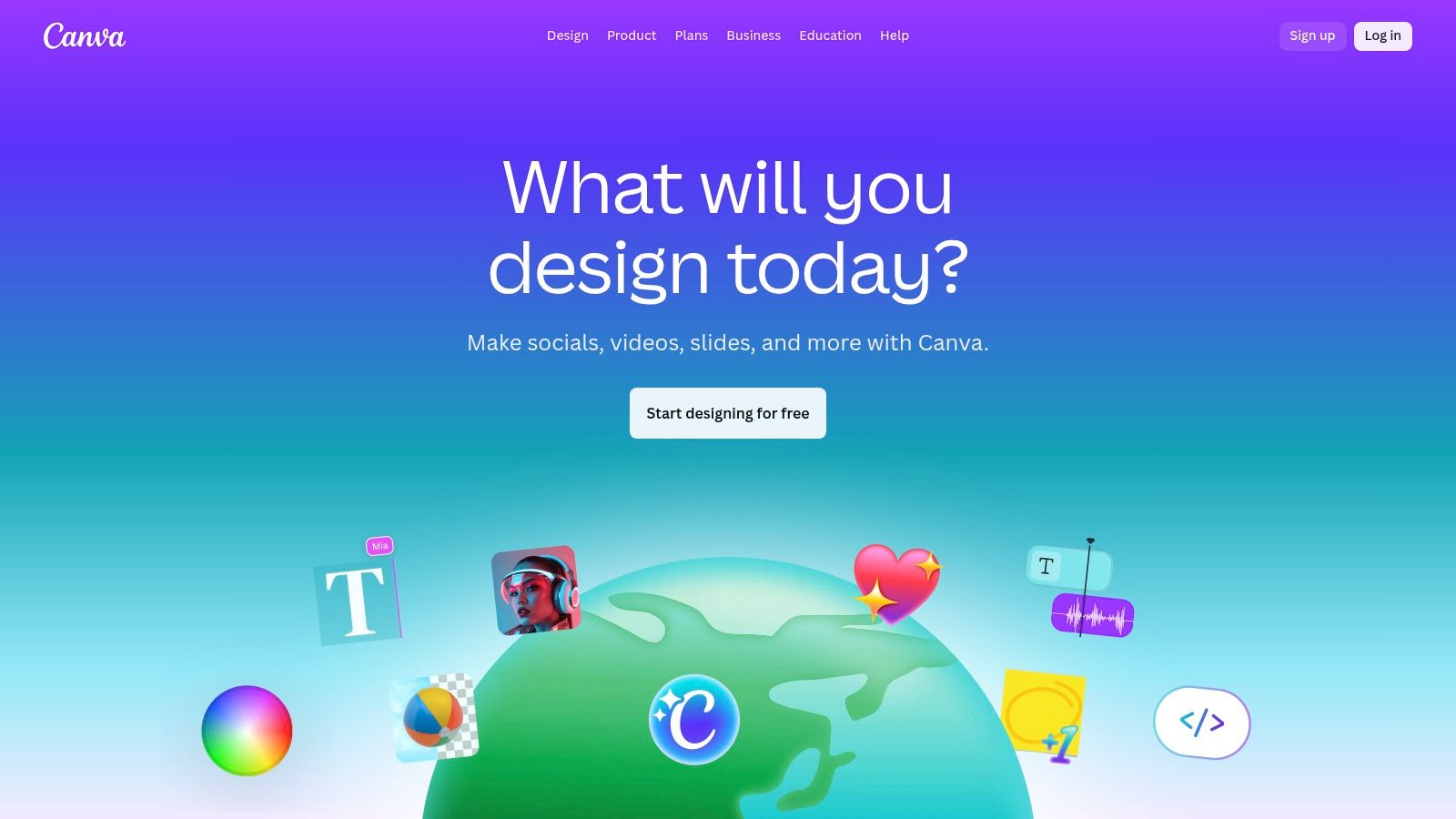
The platform’s core strength lies in its intuitive drag-and-drop editor. Users can effortlessly upload property photos, update text with listing details, and change colors to match their brokerage’s branding. This simplicity democratizes design, allowing agents to produce high-quality marketing materials that once required a graphic designer. For a deeper dive into crafting effective visuals, you can explore more about designing impactful real estate listing flyers on OKZest.
Key Features and User Experience
Canva’s user interface is clean and straightforward. Templates are categorized logically, and the search function helps you pinpoint specific styles. The "Brand Kit" feature (available on paid plans) is particularly useful for teams, allowing you to save logos, brand colors, and fonts for consistent use across all materials.
- Ease of Use: Exceptionally beginner-friendly. Most users can finalize a design within minutes.
- Accessibility: Cloud-based access means you can start a design on your desktop and finish it on your phone.
- Printing Services: Canva Print allows users in supported regions (including the U.S.) to order professionally printed flyers directly from the platform, streamlining the entire process from design to delivery.
Practical Tips for OKZest Integration
To personalize your Canva-designed flyers at scale with OKZest, export your final design as a high-quality JPG or PNG. You can then use this image as a dynamic background in your OKZest email template.
- Step 1: In Canva, leave key areas like the main property photo, price, or agent name blank, or use placeholder text.
- Step 2: Export the design as an image.
- Step 3: In OKZest, set this image as the background of an email block.
- Step 4: Overlay OKZest text boxes and image placeholders on top of the design, using merge tags like
{{listing_price}}or{{agent_name}}to pull in specific data for each recipient or campaign.
Website: https://www.canva.com/
2. Adobe Express
Adobe Express is a powerful design tool for agents who want a polished template real estate flyer with access to premium assets and a seamless print workflow. As part of the Adobe ecosystem, it offers a suite of templates backed by professional-grade design tools, making it a strong contender for creating high-impact marketing materials. Its web-based platform features over 600 templates for just listed properties, open houses, and agent introductions.
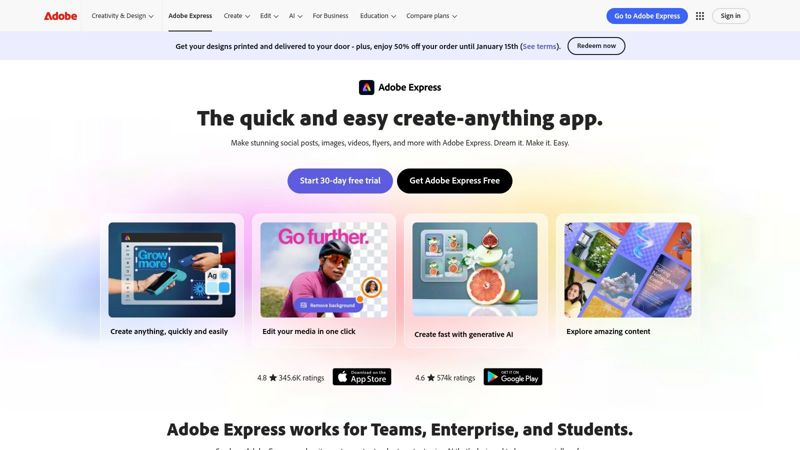
The platform's main advantage is its deep integration with the Adobe suite, including access to a vast library of Adobe Stock photos and sophisticated typography tools. This allows agents to create flyers that feel custom-designed and perfectly aligned with a luxury or professional brand identity. The user-friendly editor simplifies the process of adding property details, logos, and photos, while still offering advanced features for those who want more control.
Key Features and User Experience
Adobe Express provides a clean, modern interface that is easy to navigate. A key differentiator is its integrated print-to-order service, which allows users in the U.S. and select other countries to design and order professionally printed flyers directly from the desktop app, with shipping handled by Adobe.
- Integrated Printing: A streamlined workflow to design, order, and receive printed flyers with doorstep delivery, simplifying the marketing process.
- Premium Assets: Access to Adobe Stock's extensive collection of photos, icons, and graphics (on premium plans) elevates design quality.
- Brand Consistency: The Brand Kit feature lets you upload logos, select brand colors, and choose fonts to ensure every flyer is consistent.
Practical Tips for OKZest Integration
To leverage Adobe Express designs in your OKZest campaigns, you can create a branded template and export it for dynamic personalization. This method combines Adobe's design prowess with OKZest's automation capabilities.
- Step 1: Design your flyer in Adobe Express, creating designated blank spaces for dynamic content like property photos, agent headshots, or prices.
- Step 2: Download the finished design as a high-resolution PNG or JPG file.
- Step 3: In the OKZest email editor, upload this image and set it as a background for a block or section.
- Step 4: Layer OKZest's merge tags (
{{listing_address}},{{agent_phone}}) and image placeholders over the corresponding blank areas to automatically populate unique details for each campaign.
Website: https://www.adobe.com/express/
3. PosterMyWall
PosterMyWall is an excellent resource for agents who need a vast and diverse selection of template real estate flyer options. With over 21,000 designs, its gallery is one of the largest available, catering to everything from open house announcements to new listing showcases. The platform is designed for speed and simplicity, making it ideal for creating marketing materials for multi-channel promotions, including social media posts and email graphics derived from the same core design.
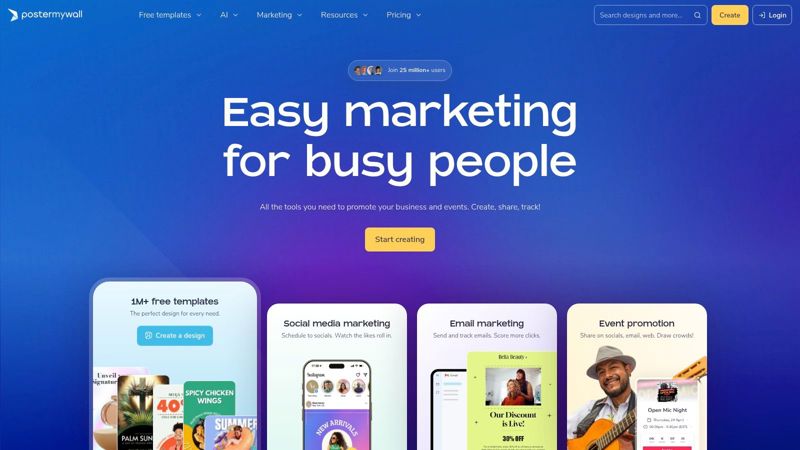
The primary advantage of PosterMyWall is its straightforward, no-frills customization process aimed at non-designers. Users can quickly select a template, replace placeholder images and text, and export the final product. While the platform offers free basic downloads, high-resolution files suitable for professional printing require a one-time payment or a subscription, making it a flexible choice depending on your budget and usage frequency.
Key Features and User Experience
The user experience on PosterMyWall is built around a fast and intuitive workflow. Powerful search and filter functions allow you to narrow down the immense template library by style, orientation, or keyword. While printing is not its core service, the platform excels at producing high-quality digital assets ready for online distribution.
- Ease of Use: Extremely simple and fast, with a focus on quick edits rather than deep design customization.
- Accessibility: Web-based editor that works on any device, perfect for making quick adjustments from anywhere.
- Digital Integration: Built-in tools make it easy to share designs directly to social media platforms or download them for use in email campaigns.
Practical Tips for OKZest Integration
To leverage PosterMyWall's designs within OKZest, you'll export your flyer as a high-quality image file and use it as a static background for dynamic content.
- Step 1: Choose a template in PosterMyWall and customize the static elements like your branding and layout, but leave dynamic areas (price, address, main photo) empty.
- Step 2: Purchase and download the high-resolution version of your design as a JPG or PNG file.
- Step 3: In the OKZest email editor, upload this image and set it as the background for a content block.
- Step 4: Layer OKZest's dynamic text and image elements on top of the background, using merge tags like
{{listing_address}}and{{listing_photo_url}}to automatically populate listing-specific information.
Website: https://www.postermywall.com/
4. ProspectsPLUS!
ProspectsPLUS! is a dedicated marketing and printing service built specifically for real estate professionals. It stands out by offering a comprehensive, end-to-end solution that goes beyond just providing a template real estate flyer. The platform is designed for agents who want a streamlined process for creating, printing, and even mailing their marketing materials, making it a powerful tool for geographic farming and direct mail campaigns.
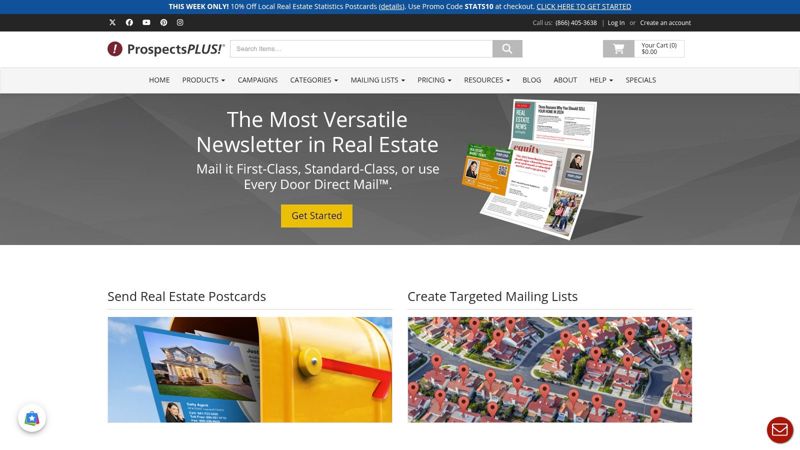
The platform’s main advantage is its deep industry focus. Every template, from just-listed announcements to open house invitations, is crafted with an agent’s needs in mind. Unlike general-purpose design tools, ProspectsPLUS! handles the entire fulfillment process, including high-quality printing on paper stocks suited for real estate and optional mailing services that can target specific neighborhoods. This makes it an all-in-one solution for agents prioritizing physical marketing. If you want to explore other essential tools, you can discover more about the top marketing materials for realtors on OKZest.
Key Features and User Experience
The user interface is straightforward, guiding agents through selecting a template, customizing it with property details and photos, and then choosing print or mailing options. While less flexible than a pure design tool, its strength lies in its efficiency and industry-specific options.
- Industry-Specific Focus: Hundreds of templates for flyers, postcards, door hangers, and brochures are all designed for real estate scenarios.
- Print and Mail Fulfillment: The service handles professional printing and can manage direct mail campaigns, saving agents significant time and logistical effort.
- Targeted Marketing: Offers mailing list services to help agents target specific demographics or geographic farm areas effectively.
Practical Tips for OKZest Integration
While ProspectsPLUS! is primarily a print-focused service, you can still leverage its designs for digital marketing with OKZest. The goal is to capture your professionally designed flyer for use in email campaigns.
- Step 1: Finalize your flyer design within the ProspectsPLUS! editor.
- Step 2: Before placing a print order, use a screen capture tool to take a high-resolution screenshot of the design proof.
- Step 3: In OKZest, upload this screenshot as the main image or background for an email template.
- Step 4: Add a clear call-to-action button and supplementary text within the OKZest email editor to drive traffic to your online listing or open house registration page, complementing your physical mailer.
Website: https://www.prospectsplus.com/
5. Vistaprint
Vistaprint is a leading online printing service that offers a streamlined solution for agents who need professionally printed materials. Its dedicated “Construction & Real Estate Flyers” category provides a solid starting point for creating a high-quality template real estate flyer without needing advanced design skills. The platform excels at bridging the gap between digital design and physical marketing collateral, making it ideal for open houses, direct mail campaigns, and listing announcements.
The platform’s main advantage is its end-to-end service. You can select a template, customize it in their online editor with property photos and details, choose your paper stock and finish, and place an order for delivery all within minutes. For those who prefer a completely custom look, Vistaprint also allows you to upload your own design files, giving you full creative control while leveraging their reliable printing and shipping infrastructure.
Key Features and User Experience
Vistaprint’s online editor is straightforward and focused on function. While its template library is less extensive than dedicated design platforms, the available options are professional and cover key real estate needs. The real value lies in the printing customization and reliability, making it a go-to for agents and brokerages that need consistent, repeatable print runs for their marketing.
- Printing Options: Extensive choices for paper weight (standard, premium, pearl) and finish (matte, glossy, recycled) allow for a customized final product.
- Ease of Use: The template customizer is simple, and the ordering process is clear, with transparent pricing that updates as you configure your options.
- Professional Services: For a fee, you can hire a Vistaprint designer to create or refine your flyer, which is a great option for those short on time.
Practical Tips for OKZest Integration
To create a digital version of your Vistaprint flyer for email campaigns, you can adapt the design for OKZest. This creates brand consistency between your printed and digital marketing.
- Step 1: Finalize your design in Vistaprint’s editor. Before ordering prints, take a high-resolution screenshot or save a digital proof of the flyer.
- Step 2: Use an image editor to remove specific details like the price or agent photo, creating placeholders.
- Step 3: Upload this modified image as a background in an OKZest email block.
- Step 4: Layer OKZest’s dynamic text and image elements on top, using merge tags like
{{listing_address}}and{{agent_phone}}to personalize the flyer for different listings or campaigns.
Website: https://www.vistaprint.com/
6. Etsy
Etsy is a global marketplace that serves as a treasure trove for agents seeking a unique template real estate flyer with a more bespoke feel. Unlike dedicated software platforms, Etsy connects you with thousands of independent designers offering instant-download templates. This variety means you can find niche styles, from minimalist to modern luxury, that might not be available on mainstream design sites. Most templates are provided as Canva, Photoshop, or even Microsoft PowerPoint files, offering flexibility in your editing software of choice.
The platform’s strength is in its sheer diversity and affordability. For a small one-time fee, you can purchase a professionally designed template and reuse it for multiple listings. Many sellers also bundle flyers with matching social media posts, business cards, and digital marketing assets, providing a cohesive branding package at a fraction of the cost of custom design work. This approach is ideal for agents looking to establish a distinct brand identity without a large budget. Explore more on how these unique assets fit into a broader strategy by reading about personalized real estate marketing on OKZest.
Key Features and User Experience
Navigating Etsy is straightforward. You can search for specific flyer types like "open house" or "just listed" and filter by price, file type, and seller location. Seller ratings and customer reviews are crucial for gauging the quality and support you can expect.
- Vast Selection: Thousands of templates from different designers ensure you can find a unique aesthetic.
- Instant Access: Digital files are available for download immediately after purchase, allowing you to start customizing right away.
- Variable Quality: Since sellers are independent, quality and licensing terms can vary. Always read the item description carefully to check for requirements like Canva Pro accounts or specific fonts.
Practical Tips for OKZest Integration
Etsy templates, especially those edited in Canva, integrate seamlessly with OKZest for dynamic email campaigns.
- Step 1: Purchase and download your chosen template. Open it in Canva or your preferred editor and customize the static elements like your branding and brokerage info.
- Step 2: Leave dynamic fields such as property images, price, and addresses as blank spaces or with placeholder text.
- Step 3: Export the customized design as a high-resolution JPG or PNG file.
- Step 4: In OKZest, upload this image as a background for an email section and overlay it with merge tags (
{{listing_address}},{{listing_photo}}) to populate property-specific details automatically.
Website: https://www.etsy.com/
7. Creative Market
Creative Market is a curated marketplace where independent creators sell high-quality design assets. For agents seeking a premium, professionally designed template real estate flyer, this platform offers a distinct advantage over subscription-based services. Instead of a monthly fee, you purchase individual templates, giving you permanent access to files often created by seasoned graphic designers.
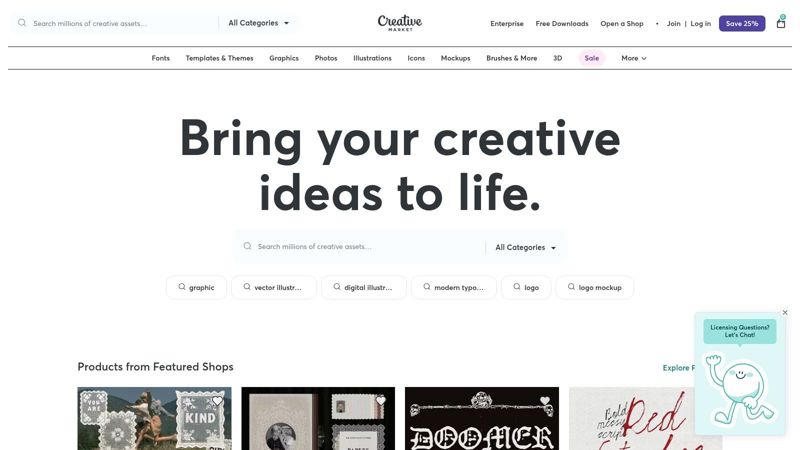
The platform is ideal for brand-conscious agents who need sophisticated marketing materials for luxury listings or personal branding. Templates are typically available in professional-grade formats like Photoshop (PSD), Illustrator (AI), or InDesign (INDD), and many creators now offer Canva-compatible versions as well. This one-time purchase model is perfect for those who need a standout design for a specific campaign without committing to a recurring subscription.
Key Features and User Experience
Creative Market’s interface is straightforward, allowing you to browse or search for flyers and filter by application (e.g., Photoshop, Canva). Each product page provides clear specifications, previews, and information about what's included, such as file types and dimensions. Creator support is also available directly through their shop pages.
- Higher-End Aesthetics: The designs often feature more unique layouts and sophisticated typography than what’s found on mass-market platforms.
- One-Time Purchase: You buy what you need, when you need it, which can be more cost-effective for sporadic use.
- File Formats: Most templates are print-ready at 300 DPI with proper bleed settings, ensuring high-quality physical prints. Be aware that you may need specific software like Adobe Photoshop or Illustrator to edit the files, and stock photos are often not included.
Practical Tips for OKZest Integration
To leverage a premium Creative Market template in your OKZest campaigns, your best approach is to export the customized design as a static image and use it as a high-impact email background.
- Step 1: Purchase and customize your chosen flyer template in its native application (e.g., Photoshop or Canva). Fill in all static details but leave dynamic fields like the prospect's name blank.
- Step 2: Export the final flyer as a high-resolution JPG or PNG file.
- Step 3: In the OKZest email builder, upload this image as the background for a section or the entire email.
- Step 4: Layer text boxes over the background image using OKZest's editor. You can then insert merge tags like
{{first_name}}to add a personal touch directly onto your professionally designed flyer graphic.
Website: https://creativemarket.com/
Top 7 Real Estate Flyer Template Comparison
| Tool | Implementation complexity 🔄 | Resource requirements 💡 | Expected outcomes 📊 | Ideal use cases ⚡ | Key advantages ⭐ |
|---|---|---|---|---|---|
| Canva | 🔄 Low — drag-and-drop templates | Browser/mobile; free tier + paid elements | 📊 Polished, brand-consistent flyers quickly | Fast edits for open houses, just-listed/sold, teams needing quick branded assets | ⭐ Large template library; easy for non-designers |
| Adobe Express | 🔄 Low–Medium — desktop preferred for print | Desktop + Adobe account; Adobe Stock (paid) | 📊 High-quality print-ready designs with stock assets | Design-to-print workflows and teams needing consistent branding | ⭐ Integrated print fulfillment; strong typography tools |
| PosterMyWall | 🔄 Low — streamlined, template-driven | Browser; free low-res or paid high-res exports | 📊 Good for rapid multi-channel assets (flyers + social) | Quick listing promotion and social/email campaigns | ⭐ Massive template variety; fast workflow |
| ProspectsPLUS! | 🔄 Low — print-first, turnkey process | Print/mail budget; selected digital options | 📊 High offline impact via professional prints and mailing | Direct mail, farming campaigns, agents wanting end-to-end fulfillment | ⭐ Real-estate-optimized templates; print + mail handled |
| Vistaprint | 🔄 Low–Medium — online editor or upload | Print budget; choices of paper/finish and quantities | 📊 Reliable, consistent prints at scale | Teams needing repeatable print runs and varied finishes | ⭐ Dependable US printing; many material options |
| Etsy | 🔄 Varies — simple downloads to advanced files | One-off purchase; may require Canva/PS/PowerPoint | 📊 Variable — unique styles; quality depends on seller | One-off or niche-styled listings and low-cost options | ⭐ Affordable, unique designs from independent sellers |
| Creative Market | 🔄 Medium — may require professional apps | One-time purchase; may need Photoshop/Illustrator/Canva | 📊 High — print-ready, brand-conscious, professional aesthetics | Agents seeking premium, print-ready templates for branding | ⭐ Higher-end design files; clear specs and previews |
Conclusion: From Static Template to Dynamic Marketing Machine
We've explored a powerful lineup of tools, from the intuitive design interfaces of Canva and Adobe Express to the industry-specific resources of ProspectsPLUS! and Vistaprint. Each platform offers a unique gateway to creating a high-impact template real estate flyer, but the true power lies not just in the initial design, but in how you bring it to life. The journey from a generic template to a lead-generating asset is paved with strategic personalization and intelligent distribution.
The core takeaway is that a flyer is no longer just a static piece of paper or a flat image file. It's a dynamic touchpoint in your marketing ecosystem. By leveraging the templates we’ve covered, you establish a professional, visually appealing foundation. The next, most crucial step, is to infuse that foundation with data-driven details that speak directly to your audience, whether they're potential buyers for a new luxury listing or renters looking for their next home.
Key Takeaways for Elevating Your Flyers
- Template as a Starting Point: Never treat a template as the final product. View it as a robust framework designed to save you time on layout and design, freeing you to focus on what truly matters: the content, the offer, and the call to action.
- Purpose-Driven Selection: The best template real estate flyer is one that aligns perfectly with its goal. An open house flyer needs prominent dates and a map, while an agent promo flyer must focus on your unique value proposition and professional branding. Always choose your template with the end goal in mind.
- Personalization is Non-Negotiable: Modern marketing tools allow for deep personalization. Moving beyond simply adding a property photo and price is essential. Use merge tags and dynamic content to insert client names, reference their specific interests, or tailor property details for different segments of your email list.
- Multi-Channel Distribution: Your flyer’s reach multiplies when it’s adaptable. A great template can be printed for a local coffee shop, embedded directly into a targeted email campaign, and shared as a high-resolution image on social media. Consistent branding across these channels builds recognition and trust.
Ultimately, your success hinges on transforming a well-designed template into a personalized marketing machine. Think of each flyer not as a one-off advertisement, but as a component of a larger, ongoing conversation with your clients and prospects. By selecting the right tool for your workflow and committing to smart, data-informed personalization, you can ensure every flyer you create works harder to build your brand and close more deals.
Ready to automate the personalization of your real estate flyers and other marketing visuals? OKZest allows you to connect your data to any template, generating hundreds of unique, personalized images and PDFs in minutes. Stop manually editing and start creating dynamic, data-driven campaigns by visiting OKZest to see how it works.